Resources

Getting Started

Tutorials

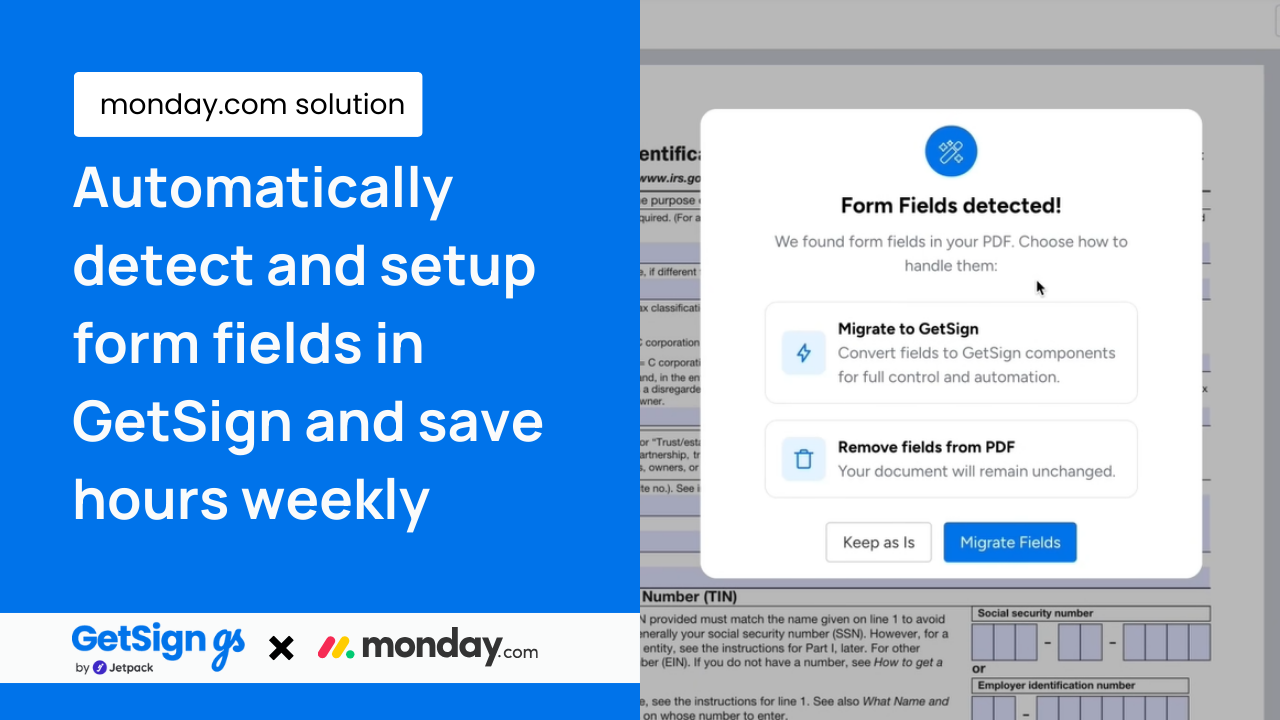
Digitizing printable forms on monday.com with a click using GetSign

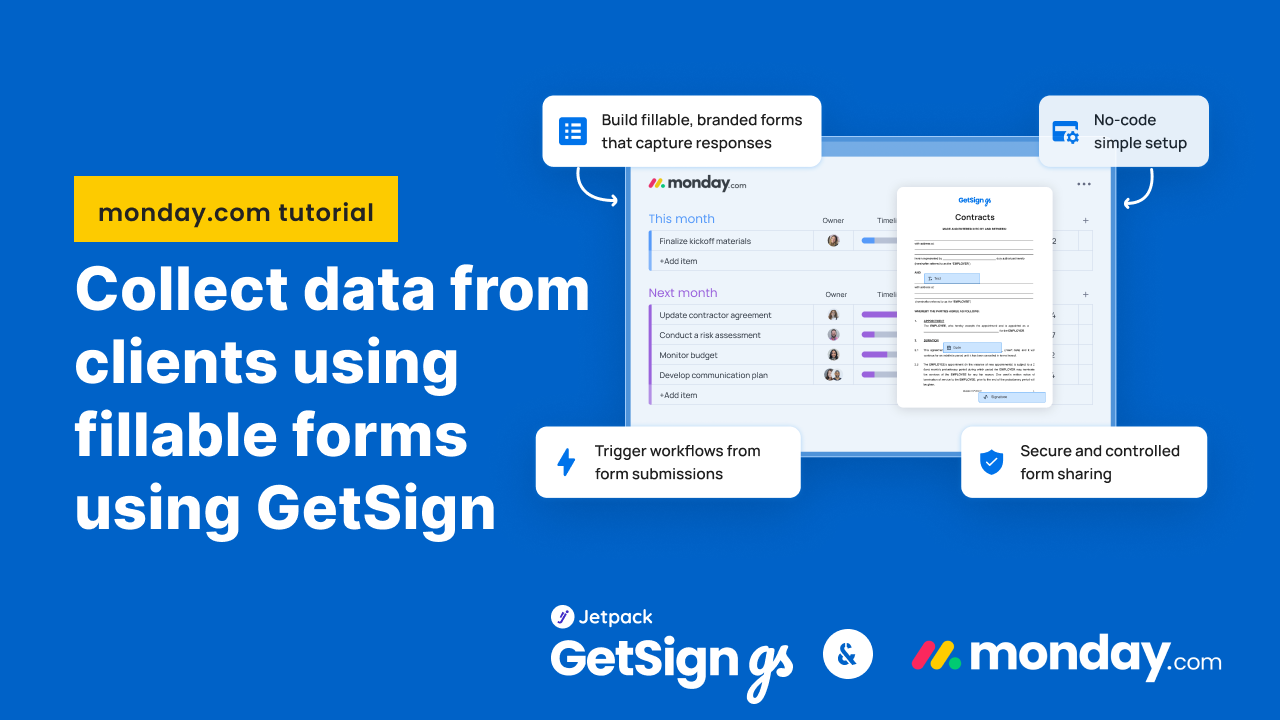
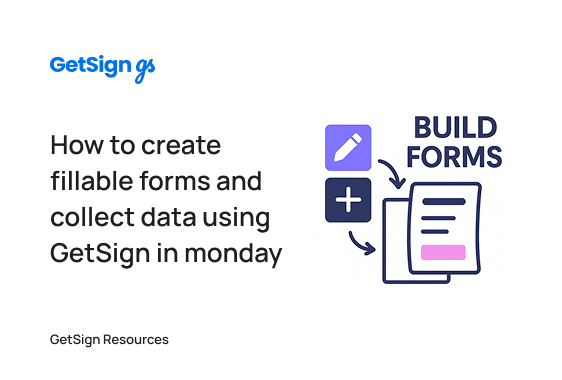
Create fillable forms with GetSign and store responses in monday.com

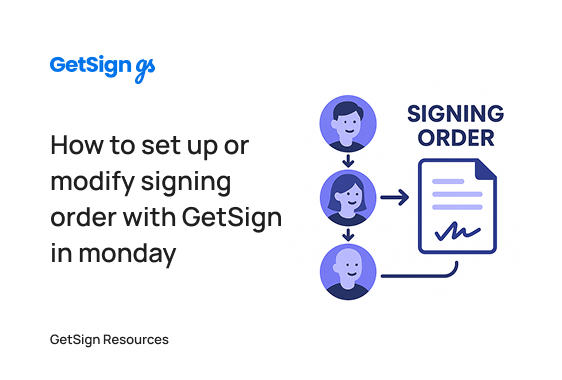
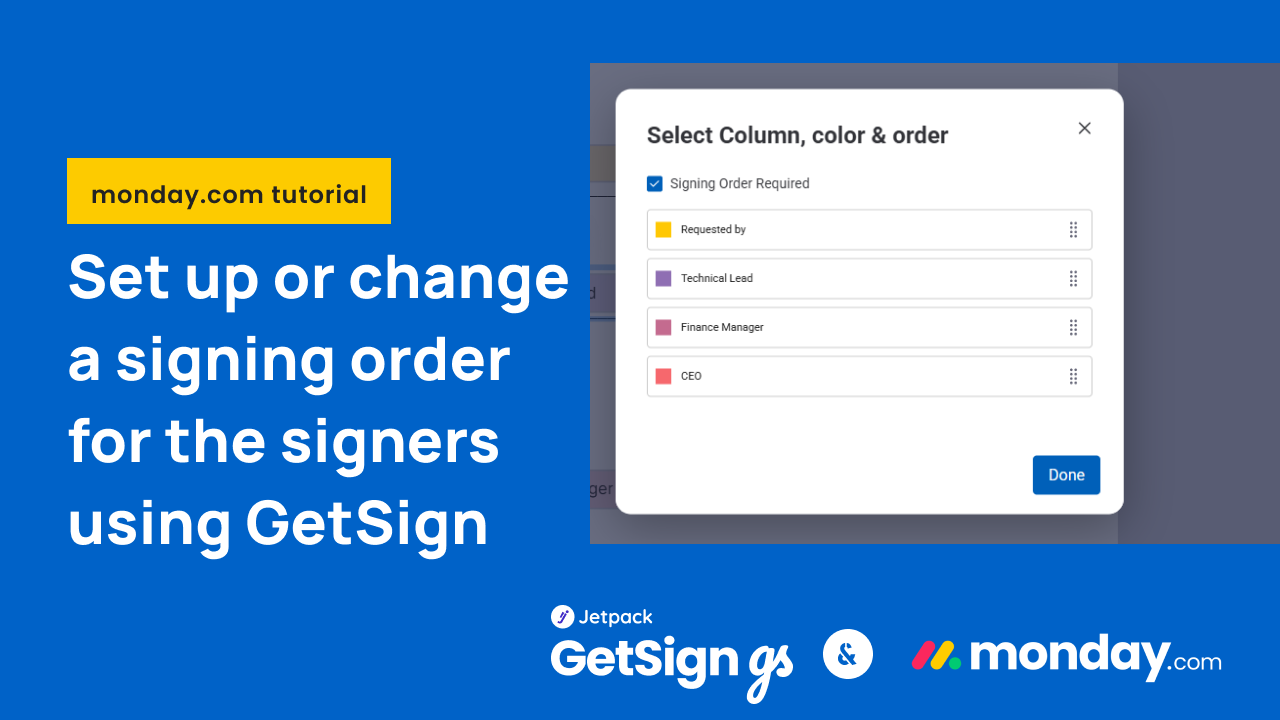
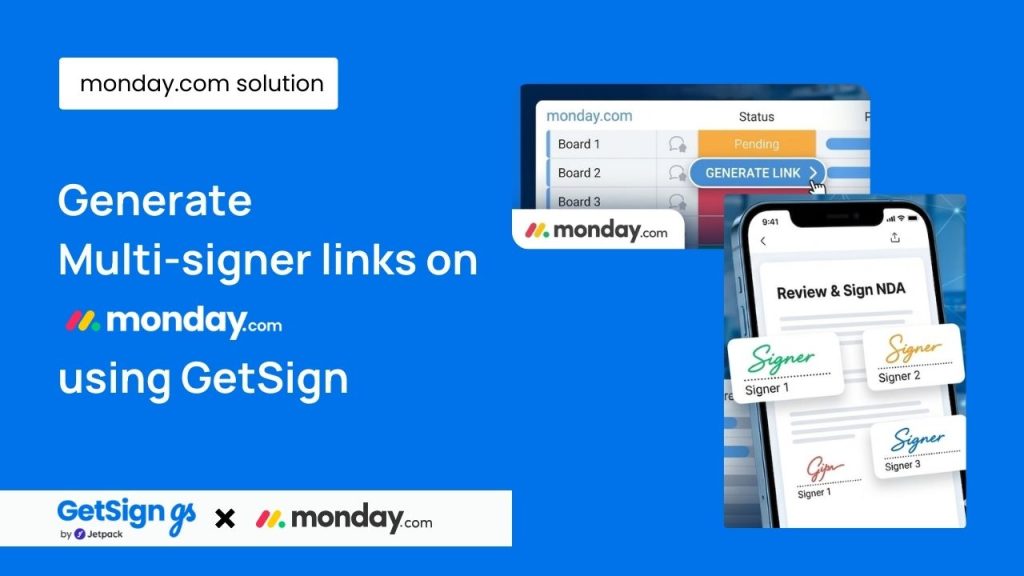
How to set up a multi-step signing order with GetSign in monday.com

Enhanced AcroFields Assignment Options for Uploaded templates using GetSign

Select Specific Sub-Item Columns for PDF Templates

Update: Digital Signature Now Available for All Document Types on GetSign

Download Documents Before Signing on monday.com

Digitizing printable forms on monday.com with a click using GetSign - Automatically detect and setup form fields in GetSign and save hours weekly

Digitizing printable forms on monday.com with a click using GetSign

New GetSign features to power your document workflows in monday.com

Frequently Asked Questions

GetSign is a document automation and e-signature app built for monday.com. You can generate documents using board data, send them for secure signature, track their progress, and store everything in your monday workflow—no third-party tools needed.

Yes! GetSign offers a 14-day free trial with full access to premium features. After that, you can stay on the free plan, which includes core functionality like document generation and basic e-signature capabilities.

Yes, GetSign allows you to generate documents using both board items and sub-items. You can insert dynamic tables, auto-fill fields and even filter sub-items based on status, priority, or owner for precise, customized documents.

Absolutely. Send documents to one or multiple signers with legally binding e-signatures. You can define signing order, add signing fields, and all activity is tracked in your monday board.

Yes. GetSign gives you a real-time status trail inside monday.com. You’ll see exactly when a document is viewed, signed, or pending, and a complete audit log shows all signer actions.

GetSign features a template gallery where you can upload  documents in DOCX  and PDF formats. You can edit DOCX templates directly inside the built-in editor, insert smart fields, and structure dynamic content using board data—no external tools needed.

With GetSign, you can:

Create interactive forms by adding input fields like text boxes, dropdowns, and checkboxes.

Collect payments at the time of signature using Stripe integration—great for proposals, invoices, and service agreements.

You can upload your company logo and personalize the signing email—ensuring your documents feel professional and on-brand.

All signed documents are automatically saved back to the relevant monday.com item in your board’s files column, keeping everything organized and easy to access.

Yes. GetSign digital signatures comply with eIDAS, ESIGN Act, UETA, GDPR and HIPAA. Every signature is tied to a secure, encrypted digital certificate and is cryptographically sealed — ensuring authenticity, integrity, and full legal enforceability across global standards.

Can’t find what you are searching for?

There are many variations of passages of Lorem Ipsum available but the majority have suffered alteration in some form.

Ready to build?

Get a flexible eSignature solution now!

No credit card required

Group 1261157921