GetSign MCP is now live. The AI-Native document workflow layer for your team. 🎉

No fixed box. Just tap and sign.

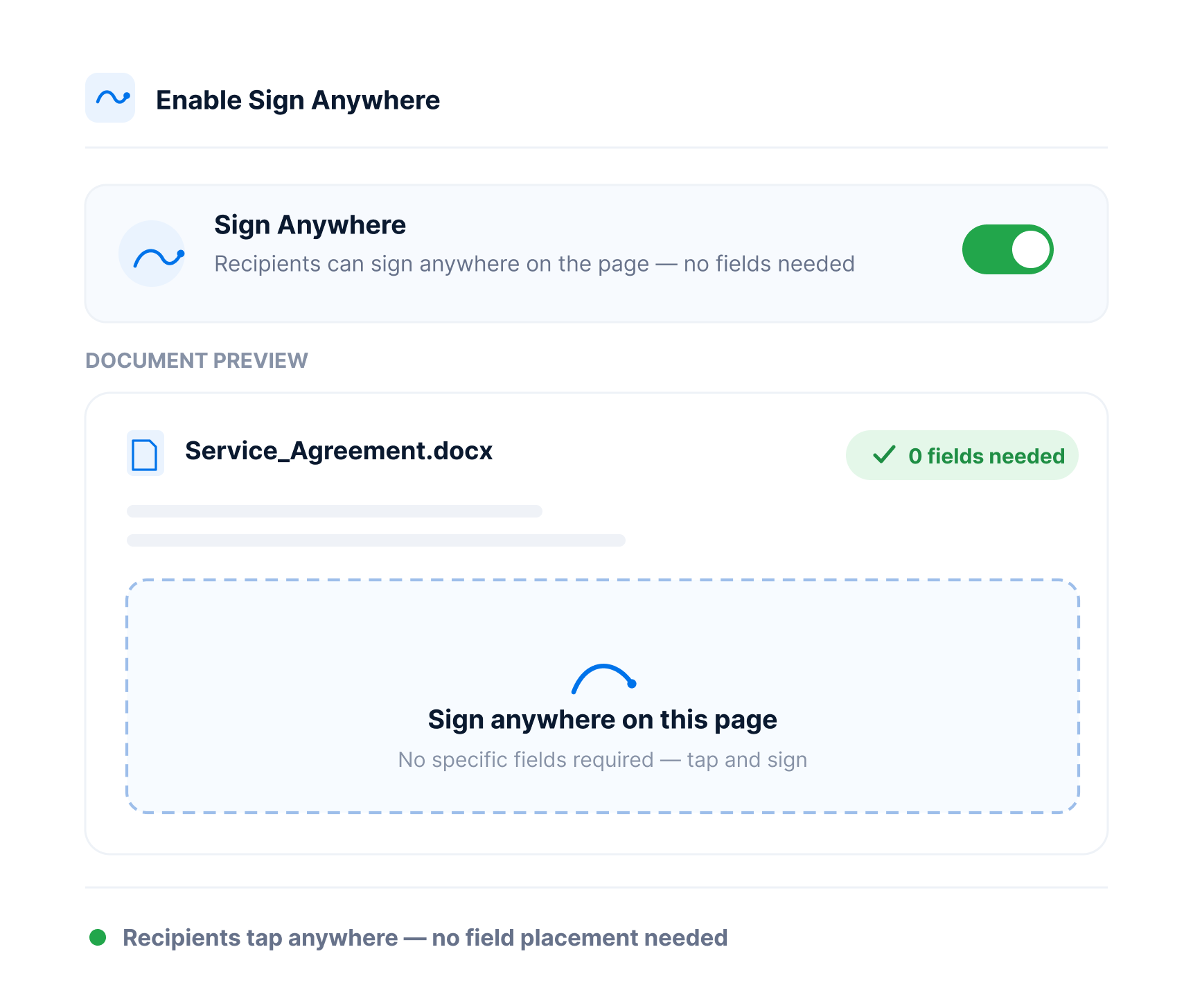
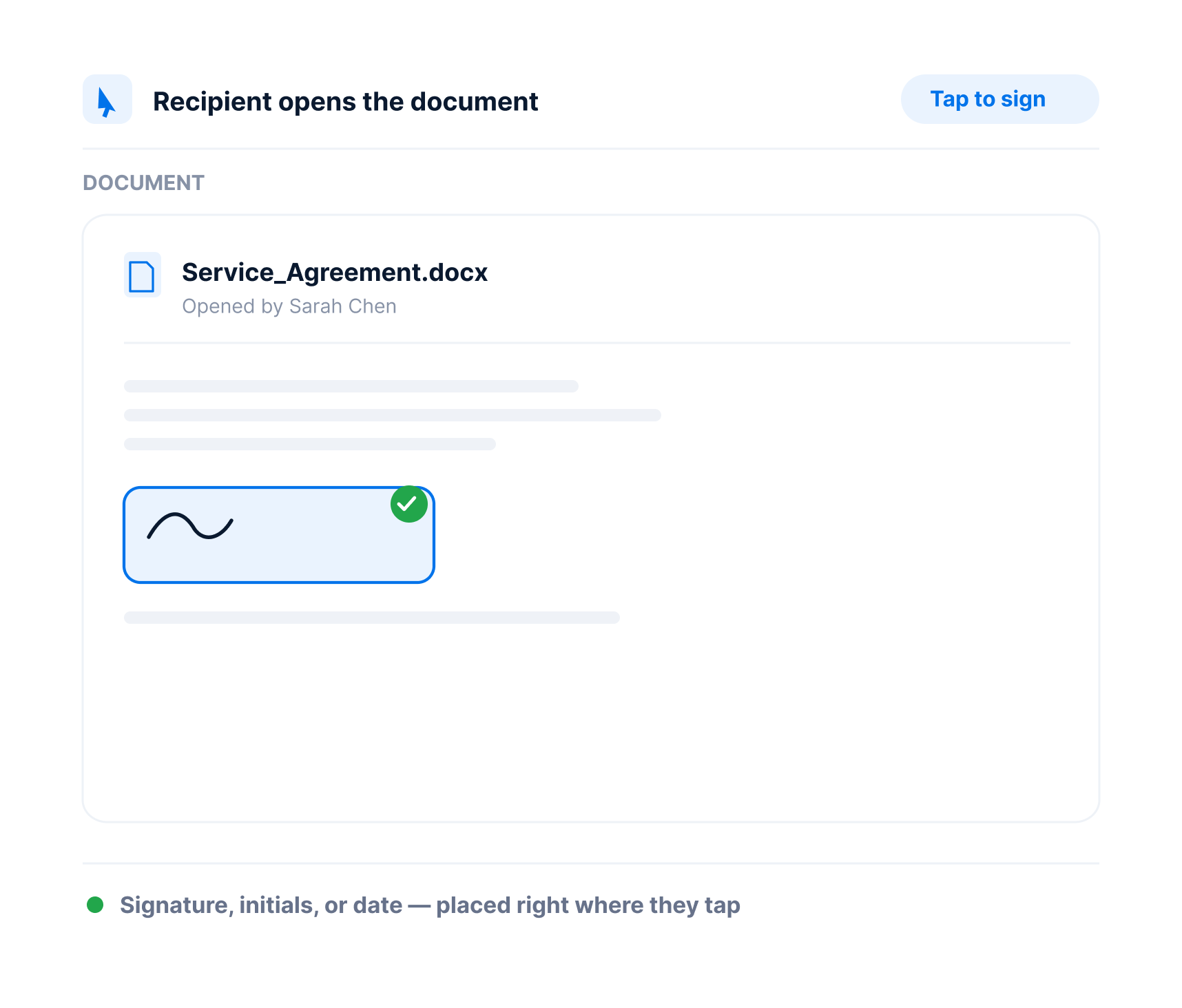
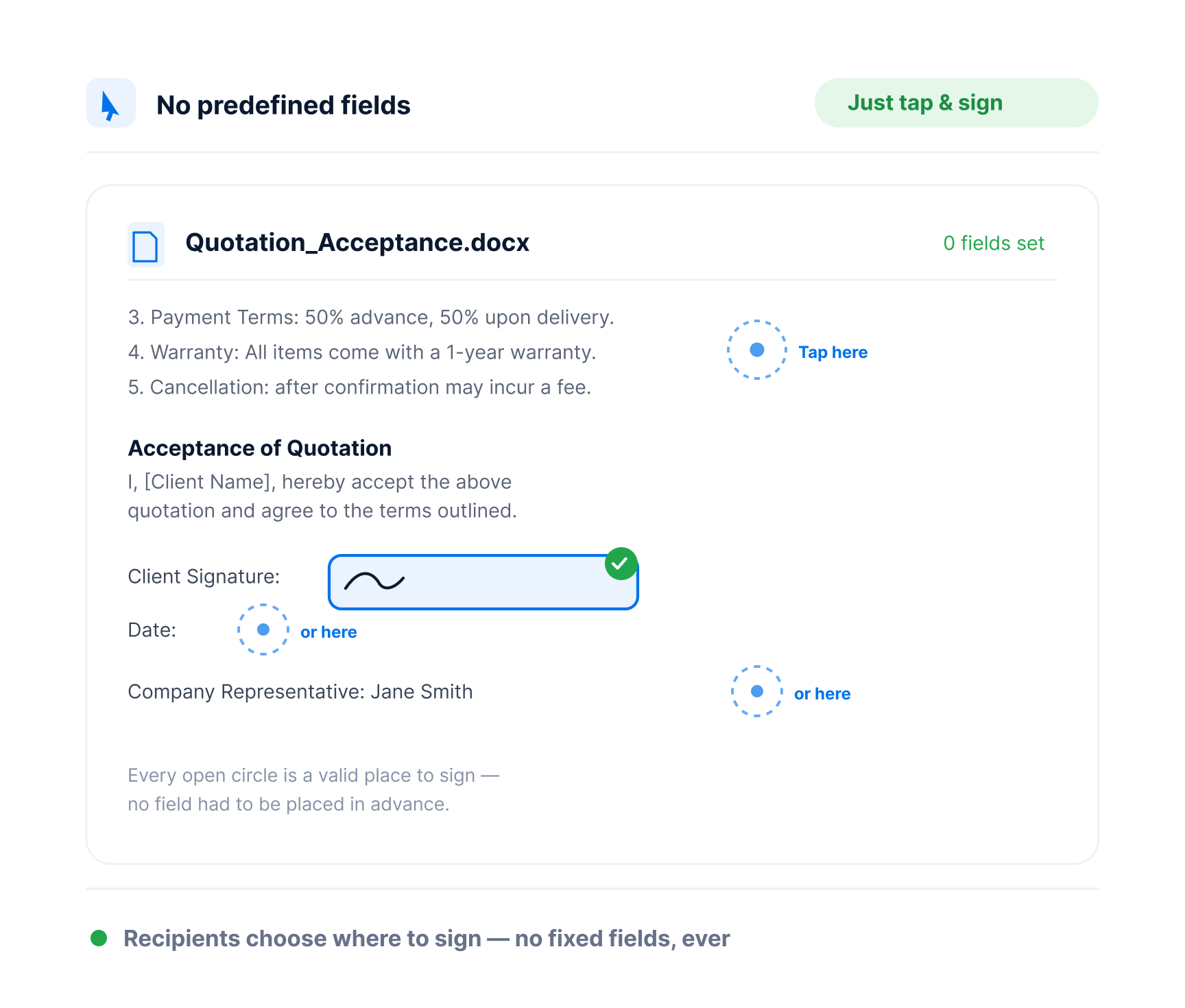
With GetSign’s Sign Anywhere feature, signers don’t need a fixed signature box. They can tap anywhere on the document to sign — giving them complete freedom to review and sign without restriction.

No signature field placement needed in advanceSigners can tap and sign anywhere in the documentWorks with any PDF or DOCX uploaded to your board
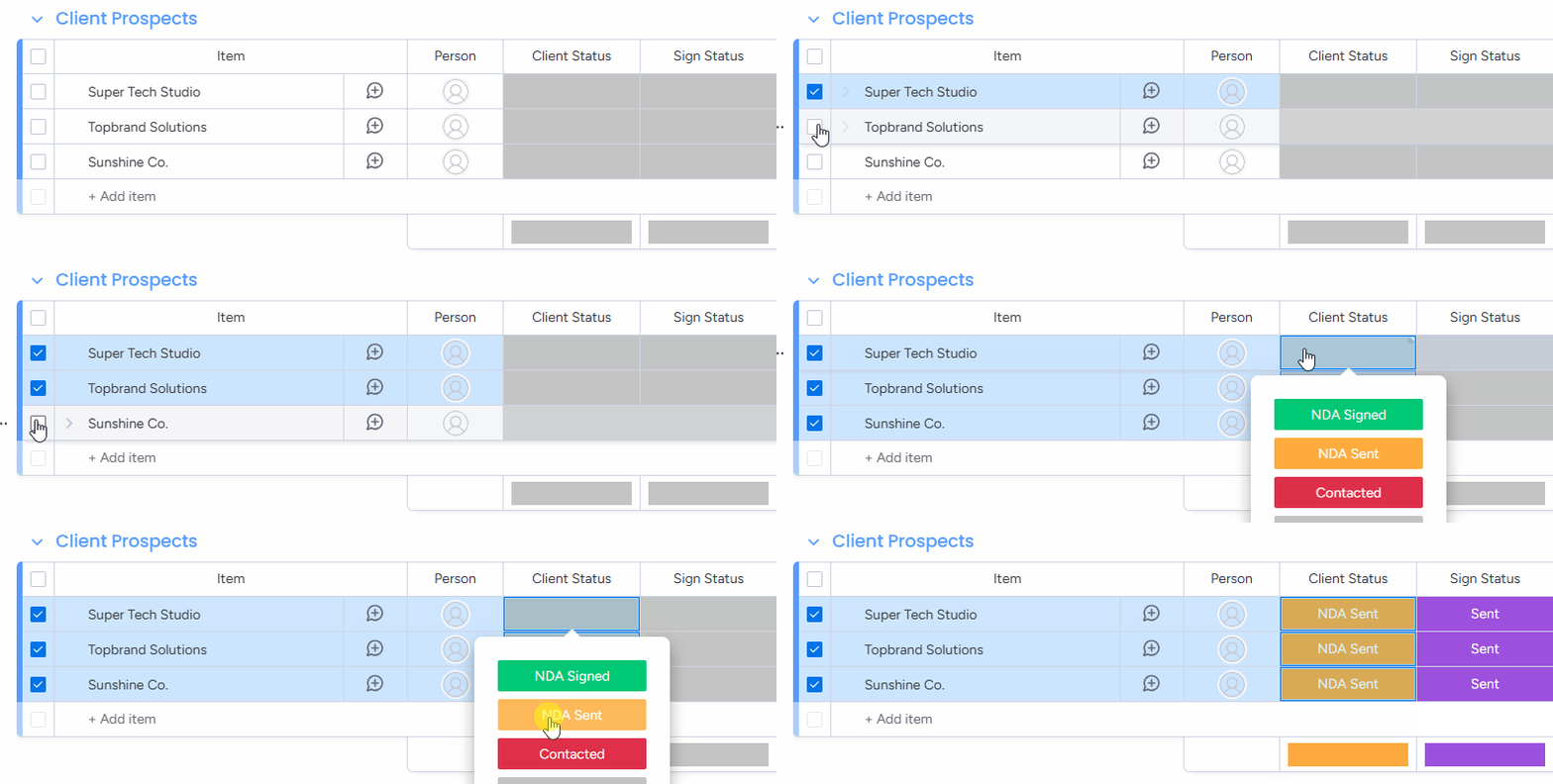
Sign Anywhere product preview
No predefined fields. No limitations. Just tap and sign.
No signature field placement needed in advance
Signers can tap and sign anywhere in the document
Works with any PDF or DOCX uploaded to your board
Ideal for fast, informal, or freeform document flows
Sign anywhere

No predefined fields. No limitations. Just tap and sign.

Sometimes, flexibility matters more than formatting. With Sign Anywhere turned on, your recipients can sign wherever they feel comfortable — on any page, at any spot — without being forced into a fixed signature field.It's the easiest way to let your documents be signed without setup friction.
Sign anywhere

Flexibility without friction — signing made effortless

The easiest way to collect informal approvals, internal sign-offs, or quick acknowledgments while staying fully audit-compliant in your monday.com board — without requiring you to predefine signature placement.

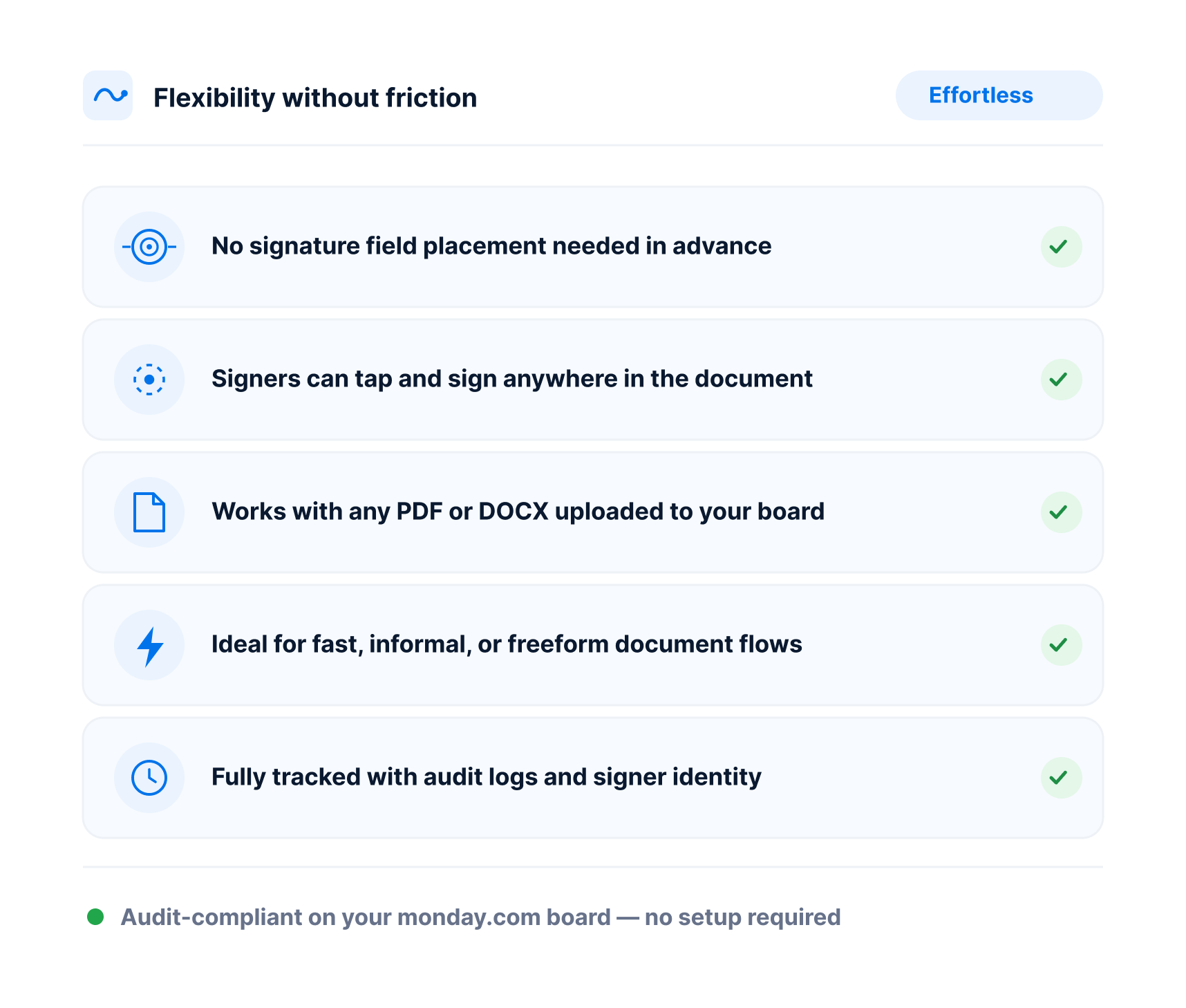
No signature field placement needed in advanceSigners can tap and sign anywhere in the documentWorks with any PDF or DOCX uploaded to your boardIdeal for fast, informal, or freeform document flowsFully tracked with audit logs and signer identity
Sign anywhere

Skip the layout — just send, tap, and sign.

How Sign Anywhere works

01

Upload or attach your document

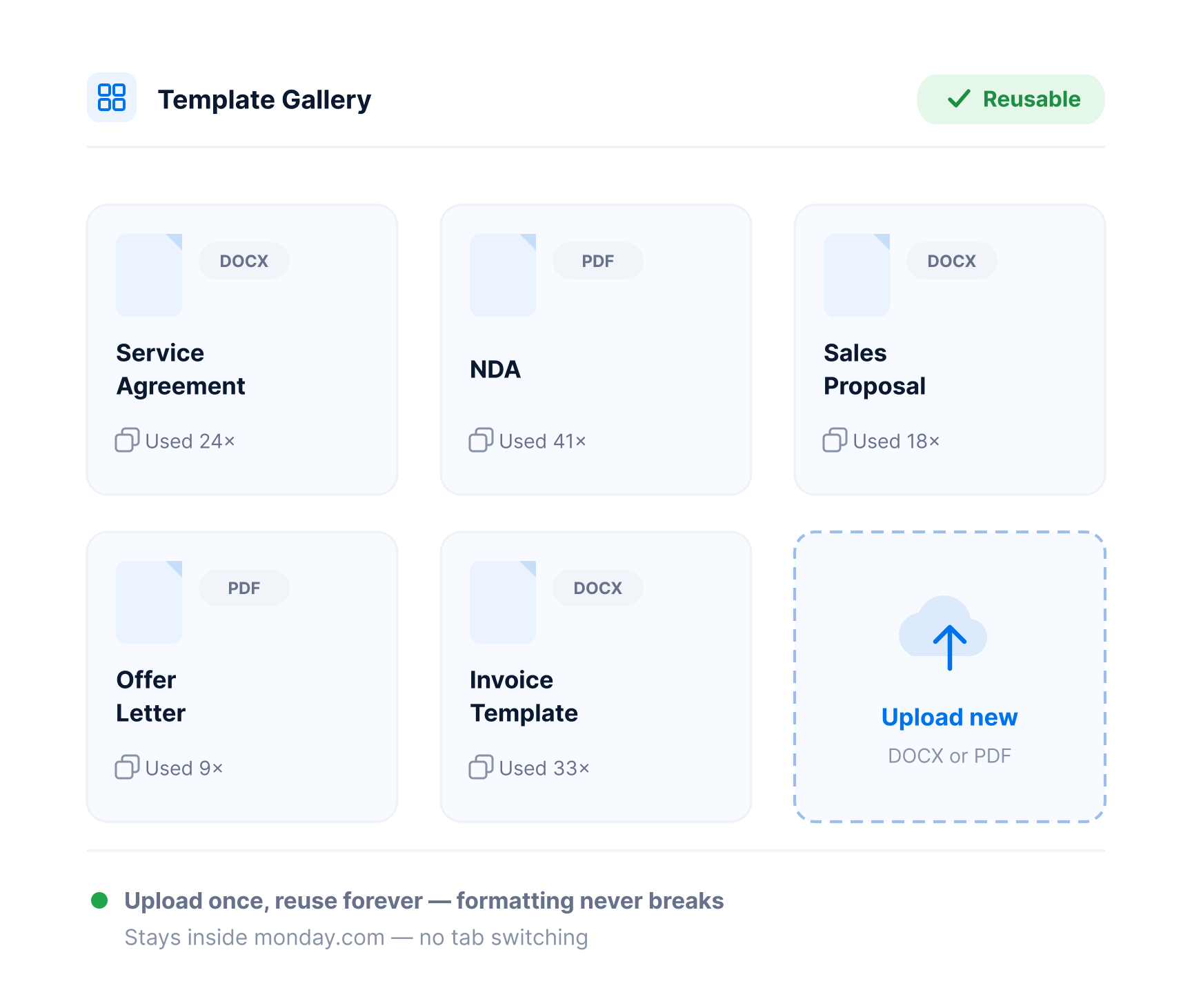
Use a document from your board’s Files column or Template Gallery.

Upload or attach your document
Sign anywhere

Real-world wins

Explore how different teams can streamline their workflows with GetSign.

Internal approvals & memos

Quickly send documents that don’t require fixed layouts — like internal approvals, policy updates, or informal sign-offs.

Client review documents

Let clients place their signature where it feels most natural — without instructing them where to sign.

Freelancer and contractor docs

Speed up sign-off for one-off agreements, timesheets, or informal work confirmations.

Finance & Procurement

Secure vendor agreement acknowledgements or budget sign-offs and track response in one place.

Policy acknowledgments & waivers

Great for forms where recipients just need to acknowledge and sign — without rigid formatting.

Sign anywhere

Built for flexibility, speed, and simplicity

Whether you're collecting a quick approval or finalizing a contract draft, Sign Anywhere gives your team and your recipients the freedom to complete the process with minimal friction — all while keeping everything tracked, logged, and stored inside monday.com.

No predefined fields required

Recipients tap anywhere to sign

Ideal for informal or flexible workflows

skip layout and speed up send

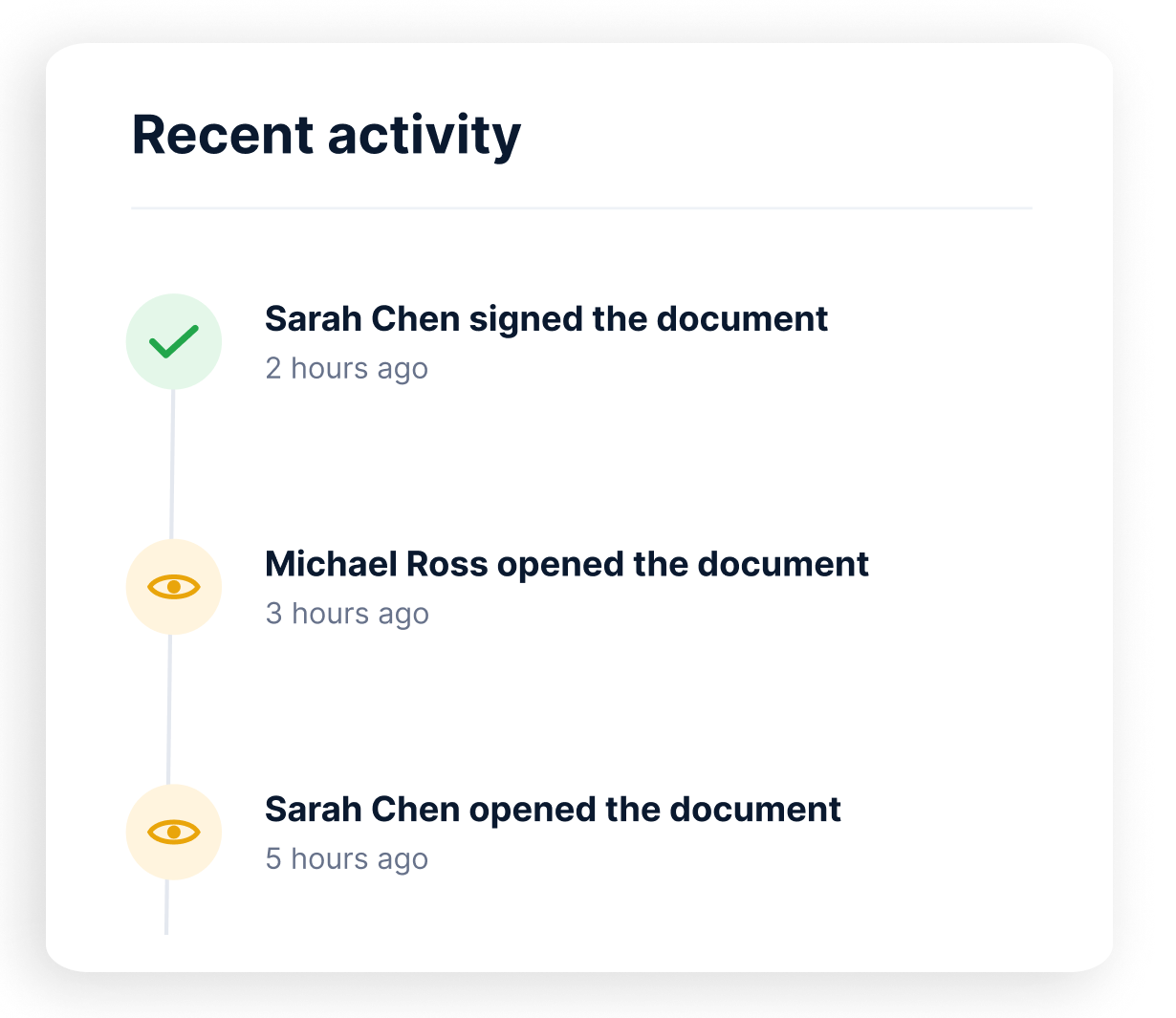
Full visibility on every action

See who signed, who hasn’t, and what’s overdue at a glance.

Sign anywhere

Frequently Asked Questions

Sign Anywhere allows the signer to place their signature anywhere on the document — no predefined signature fields or layout requirements. It’s designed for speed, flexibility, and simplicity.

No. With Sign Anywhere, you don’t need to mark a specific signature location. The recipient can tap anywhere in the document and sign, making it ideal for flexible or informal workflows.

Anywhere the signer clicks or taps. They’re free to place their signature, initials, or date on any part of the document.

Yes. It is optimized for single-signer documents where there is no predefined signing location, such as internal memos, acknowledgments, or client reviews.

Absolutely. You can use any PDF or DOCX file uploaded to your monday.com board or pulled from your Template Gallery.

Yes. Even though signers choose where to sign, every action is tracked with full audit logs, timestamps, and identity verification.

No. Sign Anywhere is included as part of GetSign’s capabilities and does not require additional payment.

Sign anywhere

Send once. Let them sign anywhere. Stay in control.

With GetSign’s Sign Anywhere, you simplify the signing process without sacrificing compliance or visibility — all from inside your monday.com board.

No signature field placement needed in advanceSigners can tap and sign anywhere in the documentWorks with any PDF or DOCX uploaded to your board