
Collect and act on data. Without leaving monday.com.
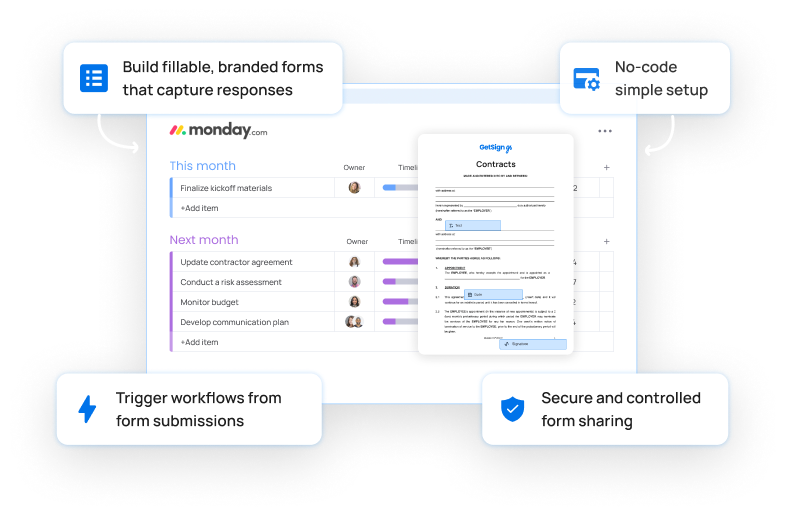
Build fillable, branded forms that capture responses, trigger workflows, and power your processes — all from your monday.com boards.

Turn every form into a workflow starter
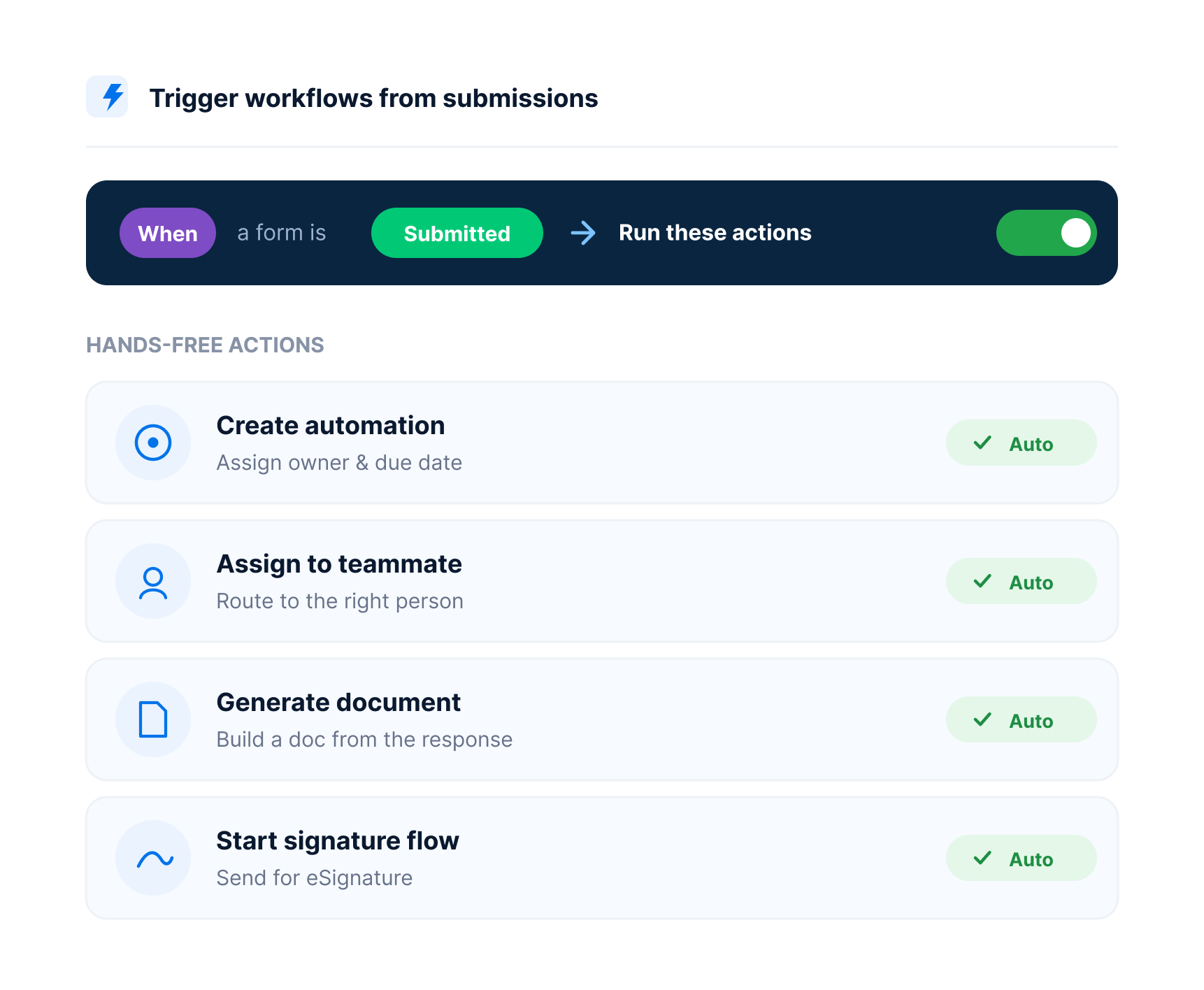
Most forms just collect data. The Web forms drive action — auto-create items, update statuses, generate documents, or trigger eSignature flows the moment a form is submitted.
Auto-create project or ticket items from form responses
Share branded onboarding forms for clients, vendors, or employees
See it in action
Fill out a document on monday.com with GetSign Form Filler

Why teams love Web forms
Key capabilities that make GetSign unique and easily integrated.
Build native forms inside monday.com
Manage your entire form lifecycle — from creation to response capture — without leaving your boards.
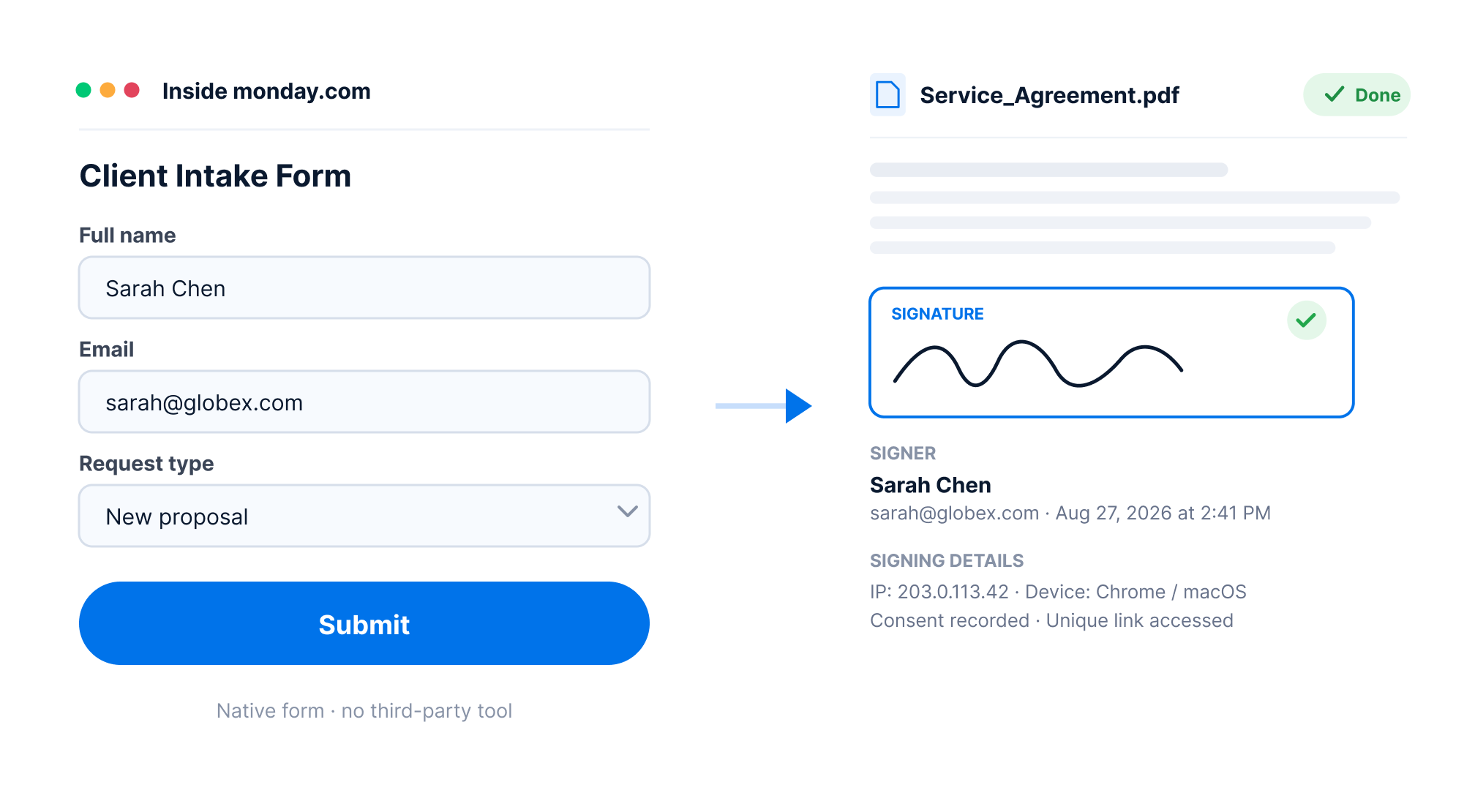
Choose from a Template Gallery
Access and manage reusable document templates directly from your monday.com workspace.
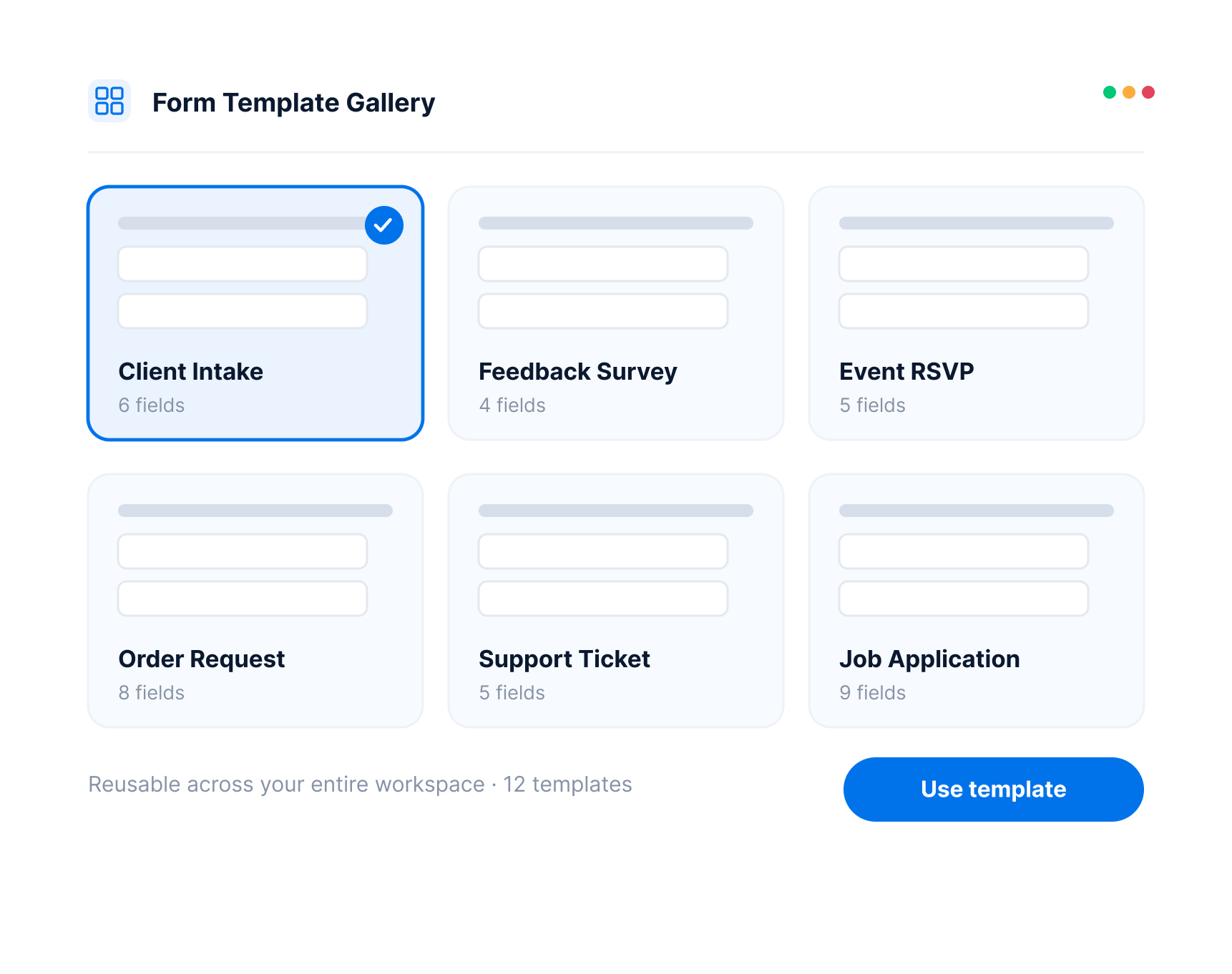
Map fields in real time
Each form response updates your board columns instantly and accurately.
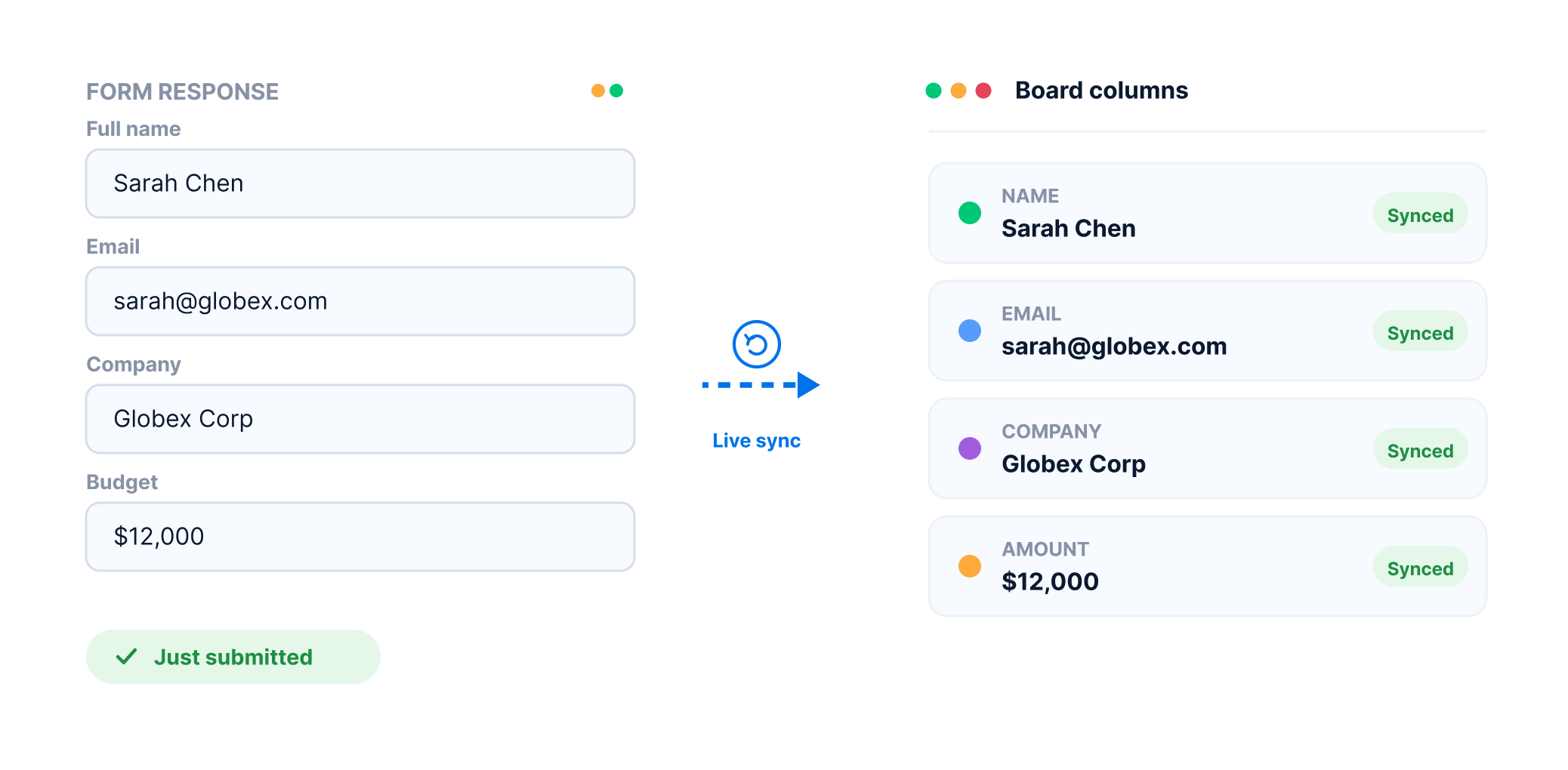
Trigger workflows from form submissions
Launch automations, assignments, document creation, or signature flows — hands-free.
Flexible enough for the form workflows your teams already run.
Key capabilities that make GetSign seamless and efficient once your form data lands on the board.
Secure Document Storage
Store generated documents securely on their related monday.com items — easy to track, find, and manage.
Document storagePreview before you generate
Generate unlimited previews of your documents to make sure they are exactly the way you want them before you automate with confidence.
Live previewCustom Email Branding
Make emails feel like yours — add your logo and messaging so signers know it’s from your company, not a third-party tool.
Custom brandingTrack every Signature
Know who opened, who signed, and who still needs to — all in real time, right inside your monday.com board.
Signature trackingSecure access with OTP
Add an extra layer of security by requiring a one-time password sent via SMS or email before document access and signing. Compliant with GDPR and HIPAA.
Signer verificationAutomatically remind users who haven't signed
Automatically remind recipients who haven't signed yet — no need to follow up manually.
Follow-up automationResults you’ll see instantly
The value GetSign brings to your workflow and productivity.
Capture data without delays
Submissions update boards instantly, keeping teams on track without manual entry.
Trigger real workflows automatically
Every form drives action — whether generating a document, triggering an automation, or assigning a teammate.
Deliver frictionless user experiences
No login required. Clients, employees, or partners submit forms effortlessly from any device.
Make teams faster and smarter
Remove busywork so teams focus on work that matters — not admin tasks.
From web forms to action with GetSign
Go beyond data collection. Automatically create items, update statuses, trigger eSignatures, or generate documents based on submissions.
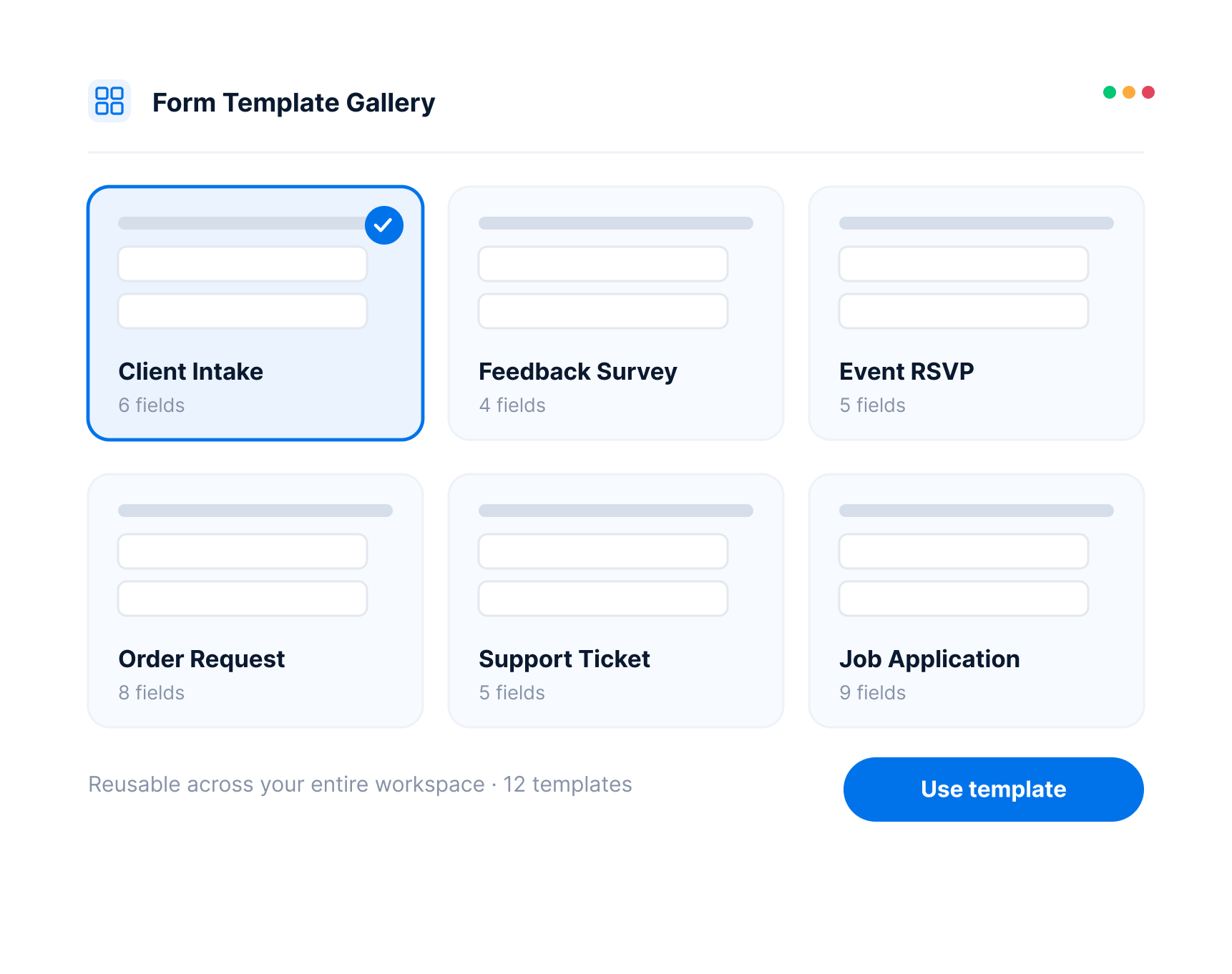
Upload or select a template
Choose from pre-built templates or upload a new document.
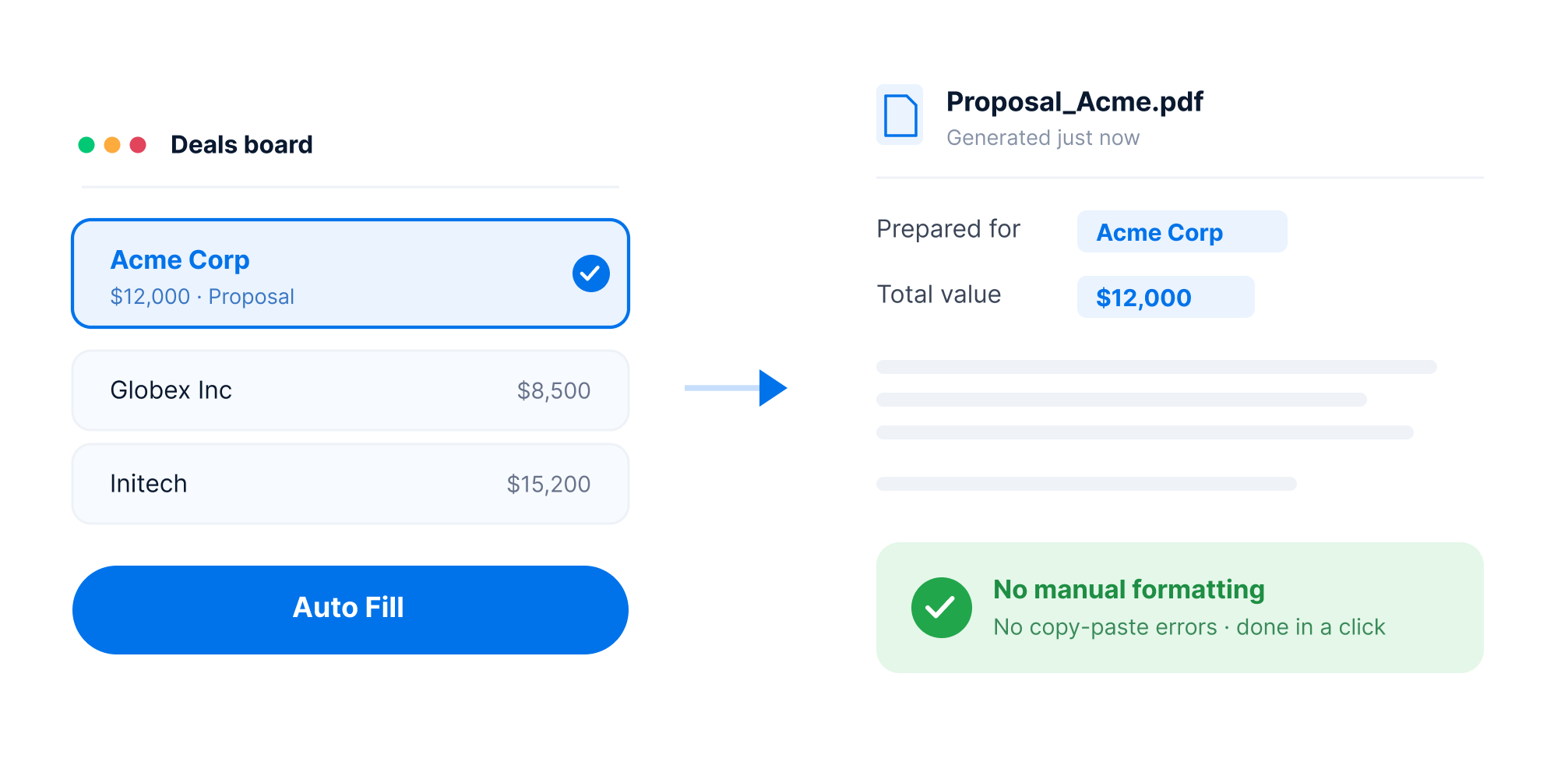
Auto-fill using board data
Map fields directly from monday.com columns (e.g. name, email, amount).
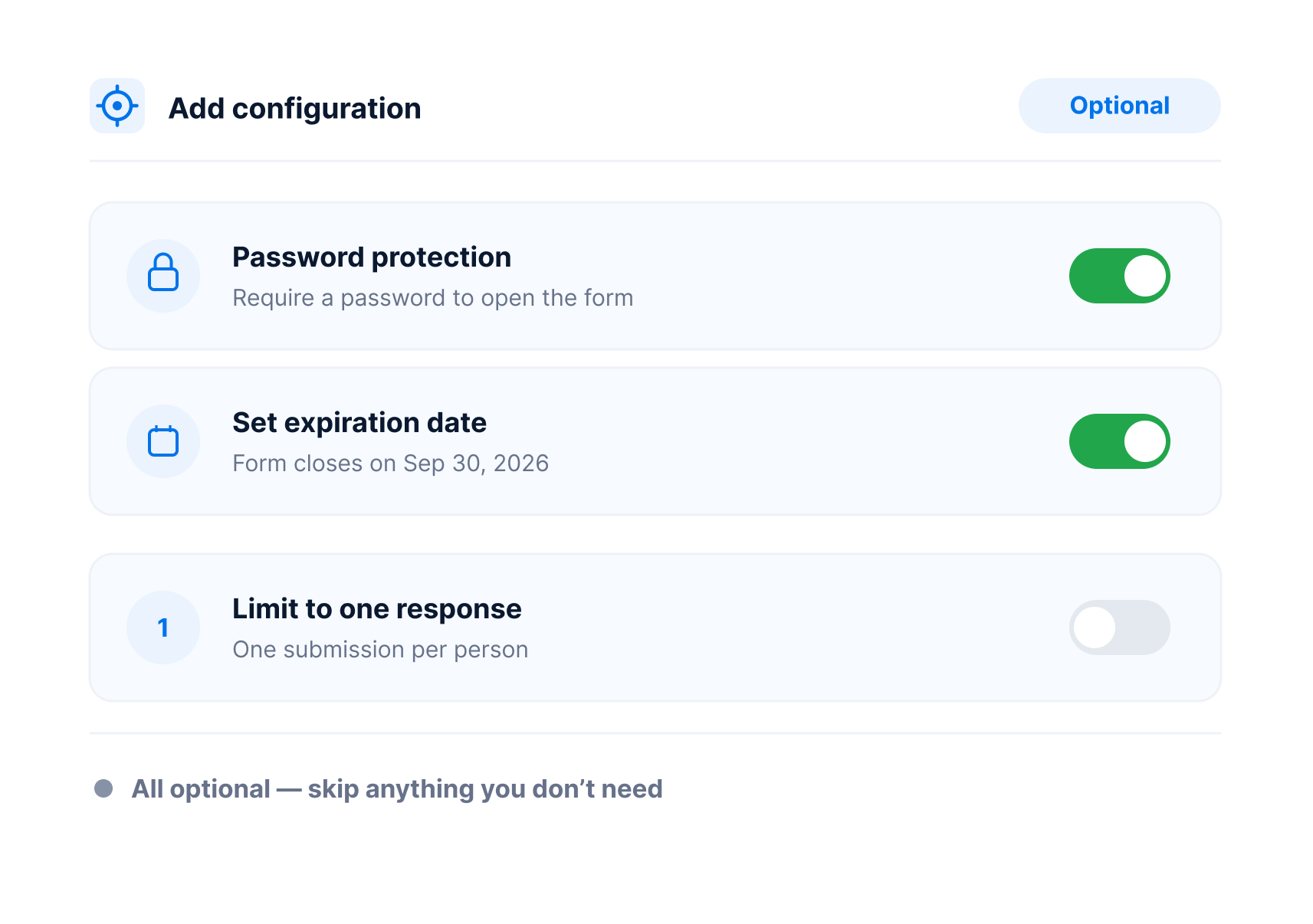
Add configuration (Optional)
Control permissions, add passwords, set expiration dates, and define who can submit.
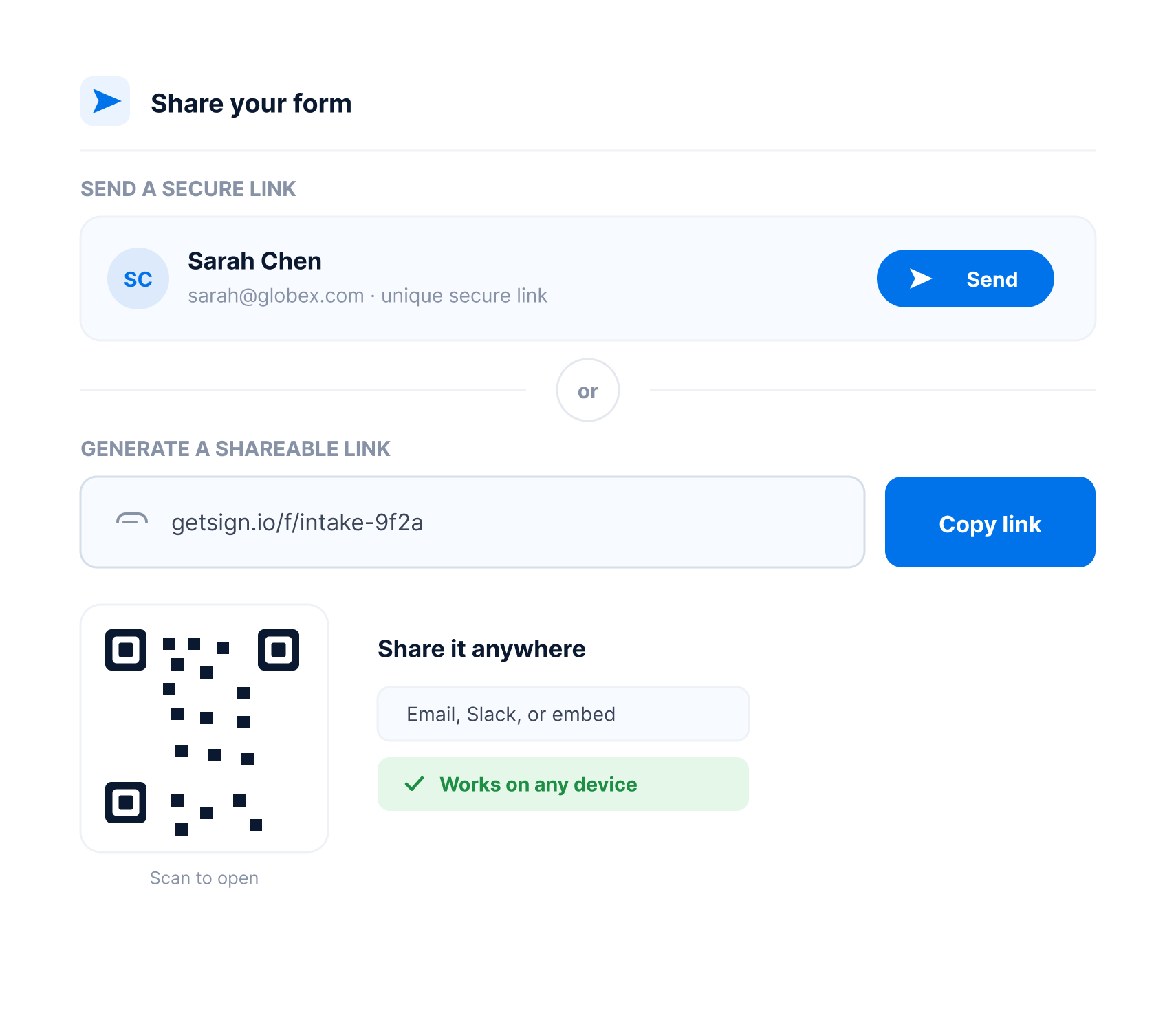
Share your form
Recipients receives a secure link or generate shareable link.
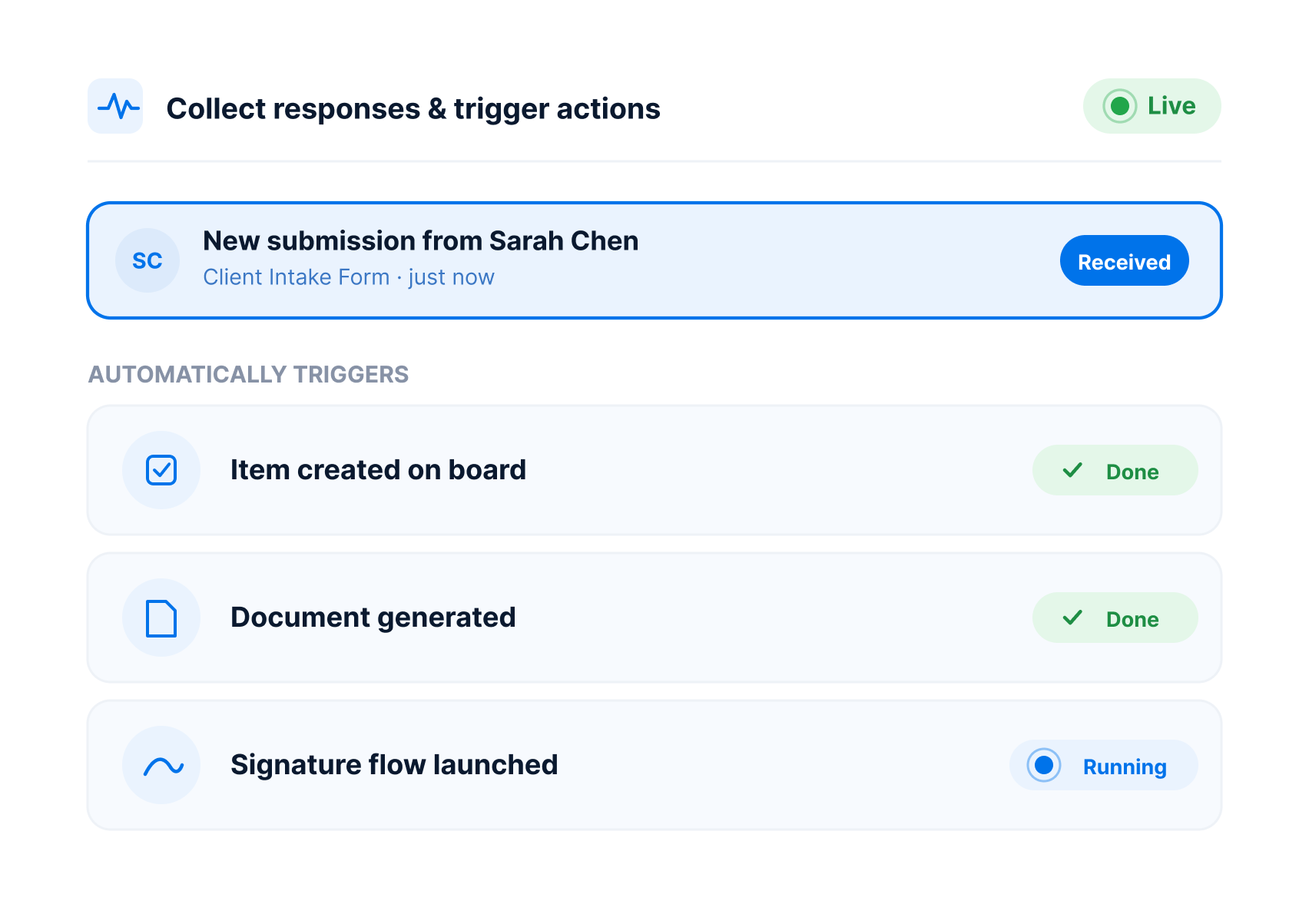
Collect responses and trigger actions
Each submission auto-creates an item, updates workflows, generates documents, or launches signature flows.
Who’s using the Web Forms
Explore how different teams can streamline their workflows with GetSign.
Sales Teams
Capture demo requests, leads, and quote forms — automatically populating CRM pipelines.
HR & People Ops
Collect applications, onboarding details, and policy acknowledgments seamlessly.
Legal & Compliance Teams
Gather contracts, approvals, and attestations while maintaining security and traceability.
IT & internal operations
Streamline ticketing, asset requests, and service forms inside operational boards.
GetSign guarantees secure, compliant, and legally binding e-signatures with enterprise-grade protection.
Legally binding signatures with full audit trails and signer data
AES-256 encryption at rest, TLS 1.2 encryption in transit
Role-based access and identity verification via OTP
Time-stamped logs of every signature action for compliance review
Compliant with GDPR, HIPAA, and UETA frameworks
Frequently Asked Questions
monday.com offers a built-in Web Form view. You can create a form by adding this view to any board. It converts your existing columns into fillable fields that can be shared via link or embedded. Submissions automatically populate rows in the board.
Yes. GetSign works alongside monday.com Web Forms to automate document generation and signing. Once a form is submitted and the board item is created, GetSign can generate a document and optionally send it for eSignature.
Absolutely. Once data from a form is captured into your board, GetSign can use that data to auto-fill your templates (e.g., contracts, quotes, NDAs) and generate documents in real time.
Yes. Using monday.com automations and GetSign triggers, you can configure actions like sending documents, changing statuses, assigning teammates, or initiating eSignature flows after a form is submitted.
No. Both monday.com Web Forms and GetSign are no-code solutions. You can use them together entirely within your monday.com workspace.
Yes. GetSign lets you upload .docx templates and populate them using data from the form responses captured in the board.
Yes. Documents signed through GetSign are encrypted, audit-trailed, and legally binding. GetSign complies with GDPR, HIPAA, UETA, and eIDAS standards.
Turn every Form into a launchpad for action
Start capturing, automating, and driving results — all with GetSign forms inside monday.com.