Send Automatic Signature Reminders with GetSign
Following up with signers manually wastes time and creates gaps in your document workflow. GetSign now lets you…

We’ve been working hard to make GetSign more powerful and flexible for your document workflows inside monday.com. Here are the latest features we just released that will help teams streamline signatures, document creation, and template access like never before.
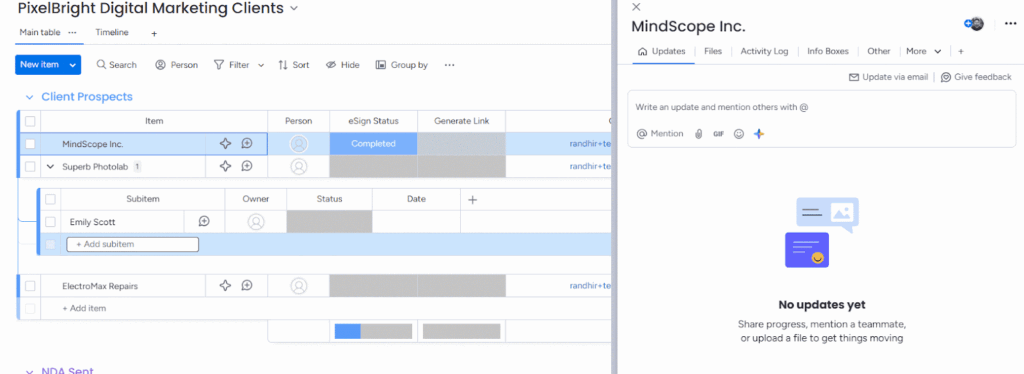
GetSign is now fully compatible with subitems on monday.com. You can send documents for signature or generate them using data directly from subitems.
This makes it easier to manage nested workflows, such as:
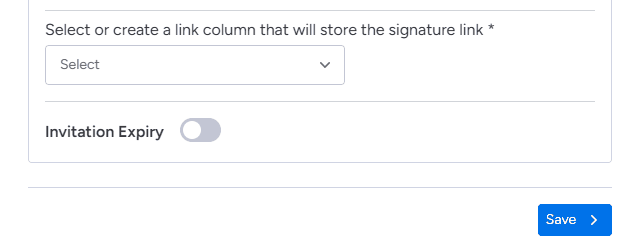
You can now configure an expiration date when sending signing links. Once the link expires, signatories will no longer be able to access the document.
You can also reset the process from your end and send a fresh request with or without a new expiry.
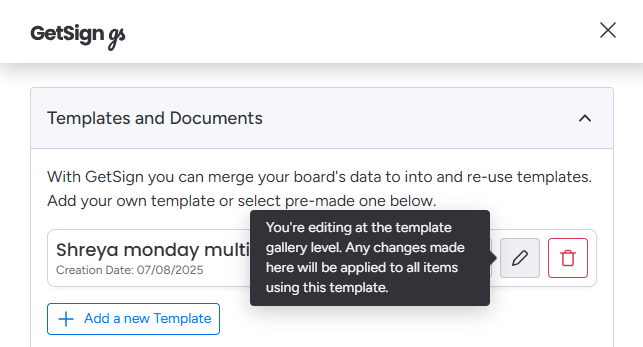
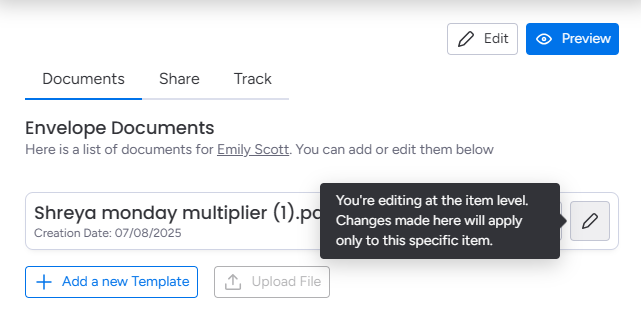
Want to edit your template globally for all future uses? Or just change it for a specific item?
Now you can do both:
Global Edit: Use the Templates section in GetSign settings.
Item-Level Edit: Use the edit icon inside the item to modify the template just for that case.
Managing a growing number of templates? Use the new search bar in the template section to quickly find what you need. Just type in a keyword and matching templates will appear instantly.
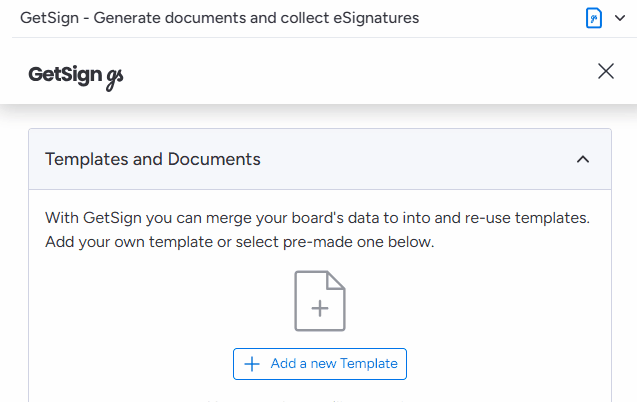
By default, only board owners could access the template gallery. Now, with a simple toggle, you can let board members access the template gallery directly from the item view.
This makes it easy for teams to independently access the right document templates when they need them.

These features are now live. Open GetSign on your monday board and try them out.
Have feedback or need help? Email us at appsupport@jetpackwork.com.
Keep using GetSign — the only document app you need for monday
Generate, send, sign and track documents without leaving your workflow.