Getting Started with GetSign Board View: Set up document signing on monday.com
If your team sends documents for signature through monday.com, you already know the friction: every new document meant…

In today’s global business environment, language shouldn’t be a barrier to secure, seamless agreements. With GetSign’s multilingual eSignature solution on monday.com, you can send signature request emails in six supported languages—making it easier for clients, employees, and partners around the world to understand how to sign documents.
Whether you’re managing international hiring, sales deals, or compliance paperwork, localization of the email interface ensures better engagement and faster turnaround.
GetSign currently supports the following email languages:
These settings apply only to the system-generated email content—not the actual document being signed.
Close deals faster by sending system-generated emails in the client’s language.
New hires feel more comfortable receiving instructions and sign requests in their own language.
Help stakeholders complete critical tasks confidently with localized instructions.
Make your communication inclusive for volunteers, donors, or applicants around the world.

This controls the interface and instructions within the email—not the document text
Scenario: A tech company is onboarding talent in Brazil, Israel, and Japan.
With GetSign:
Result: Faster turnaround and higher completion rates with no confusion
What parts are translated?
Only the system-generated email components—including subject lines, headers, call-to-action buttons, and instructions.
Will the document be translated too?
No. Email language affects only the communication, not the uploaded file. You must upload a localized document separately if needed.
Can I choose different languages for different recipients?
Yes. You can select a different email language per request.
Are signatures still legally binding?
Yes. Email language does not impact signature validity or compliance.
Can recipients change their email language?
Not currently. The sender sets the email language when configuring the document.
With multilingual email support in GetSign, your team can create a friendlier, more inclusive signing experience for recipients around the world. While the document content stays the same, the localized email interface builds trust, improves clarity, and speeds up cross-border collaboration.
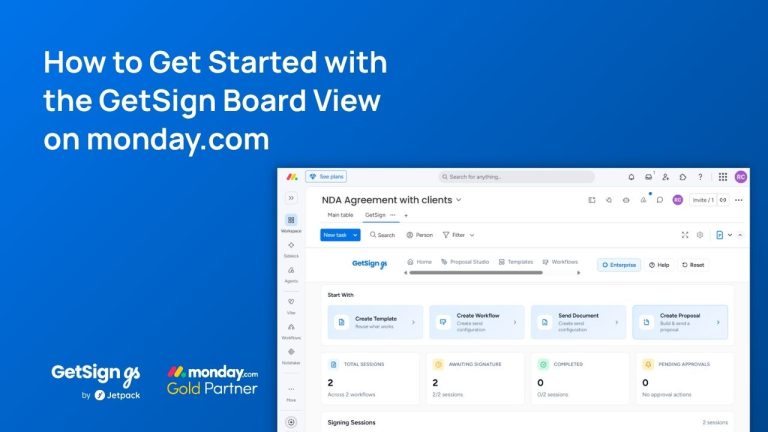
If your team sends documents for signature through monday.com, you already know the friction: every new document meant…
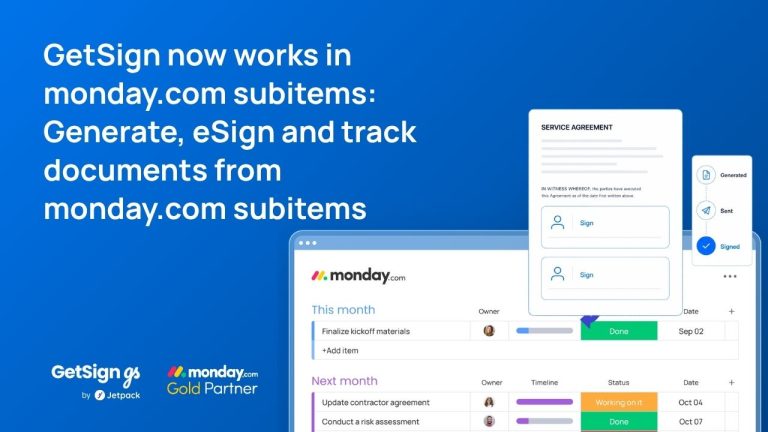
Keeping document workflows inside monday.com is straightforward for top-level items — but subitems have historically been a gap.…
Imagine your team is working on multiple contracts, purchase orders, or agreements in monday.com, and you need to…
Generate, send, sign and track documents without leaving your workflow.