
PDF forms are still at the center of many critical workflows.
Whether it’s collecting W-9s from contractors, sending I-9 forms to new hires, processing rental applications, or managing compliance documentation, most organizations still rely on static PDF files that are emailed back and forth.
This creates friction:
- Manual follow-ups
- Incorrect or incomplete submissions
- Version confusion
- No centralized tracking
- Poor user experience when filling long multi-page forms
With GetSign for monday.com, you can turn traditional PDF-based workflows into a fully automated, guided, and trackable process.
This article explains how GetSign acts as an all-in-one form automation solution, especially for document-heavy workflows like tax forms, onboarding, and compliance.
Who is this for?
This solution is ideal for teams that regularly collect structured PDF forms such as:
- W-9 forms from contractors
- W-8BEN forms from international vendors
- 1099 contractor documentation
- I-9 employee verification forms
- New hire onboarding paperwork
- Rental applications and lease agreements
- Financial and regulatory compliance forms
If your workflow includes sending a standardized PDF, waiting for it to be filled, chasing people for corrections, and manually tracking status — this is where GetSign transforms the process.
Steps on how to automate PDF forms in monday.com:
Step 1: Automatically Detect All PDF Form Fields
Instead of manually dragging and dropping every field into your document template, GetSign includes Auto Form Field Detection.
Here’s how it works:
- Upload your existing PDF form (for example, a W-9 or rental application).
- GetSign automatically scans the document.
- All fillable fields are detected.
- You can generate all required form fields in one click.
This works even for complex, multi-page forms.
For standardized forms like IRS documents or structured compliance forms, this significantly reduces setup time and eliminates manual configuration errors.
At this stage, your PDF is ready to be sent but we can take it further.
Step 2: Enable Guided Form Filler for a Better User Experience
Traditional PDF workflows require users to scroll through pages, locate fields manually, and fill them in document order.
With GetSign’s Form Filler feature, the experience becomes structured and guided.
After saving your form template:
- Go to GetSign Settings and enable the Form Filler option.
- Edit click on edit form and create the Form Filler version.
- Customize the form title and branding if needed.
- Insert all detected fields in one click.
- Arrange the fields in a logical order for a smoother experience.
Now, when the document is sent:
- The signer does not need to navigate the PDF layout.
- Fields are presented in a clean, organized flow.
- Multi-page forms feel simple and structured.
- Completion rates improve due to reduced friction.
This transforms a static PDF into a guided digital workflow.
Fully Integrated inside monday.com:
Because GetSign is built for monday.com, you can:
- Trigger form sending automatically based on status changes
- Pre-fill known information from board columns
- Track completion directly in the item
- Store finalized documents inside the workflow
- Maintain a centralized compliance record
Instead of managing forms in separate tools, everything stays connected to your operational workflow.

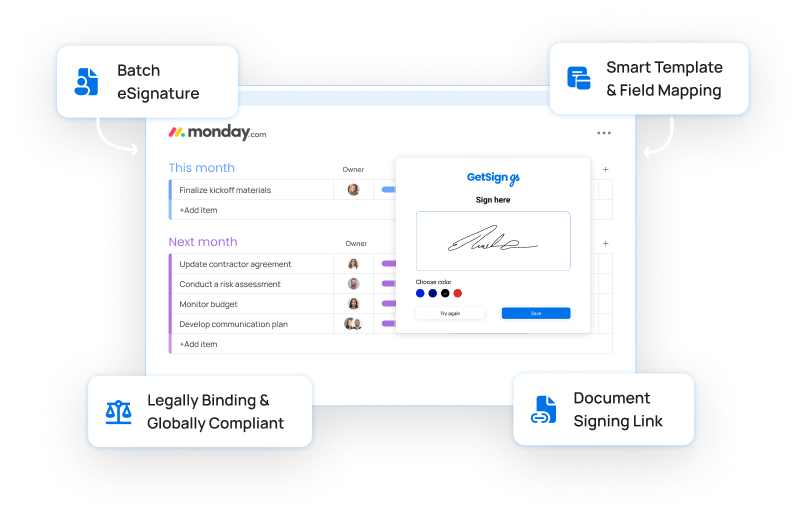
Popular workflows you can automate today:
Tax & Contractor Compliance
- Automatically collect W-9 forms from contractors
- Send W-8BEN forms to international vendors
- Track 1099 documentation completion
Employee Onboarding
- Send I-9 forms to new hires
- Collect direct deposit and policy acknowledgment forms
- Track onboarding document status
Real Estate & Property Management
- Digitize rental application forms
- Send lease agreements for structured completion and signature
- Track tenant document submission
Financial & Regulatory Compliance
- Automate loan application forms
- Collect insurance claim documentation
- Manage structured compliance forms
Why this is different from standard eSignature tools?
Most eSignature tools focus only on collecting signatures.
GetSign goes further by:
- Automatically detecting PDF fields
- Converting static PDFs into guided forms
- Structuring the filling experience
- Integrating directly into monday.com workflows
- Providing end-to-end tracking and automation
This makes it more than a signing tool, it becomes a full PDF form automation system.
The bigger opportunity:
Many industries still rely on traditional PDF-based processes.
With Auto Field Detection and Guided Form Filler combined, GetSign now provides an end-to-end solution that replaces manual PDF back-and-forth with a structured, automated workflow inside monday.com.
If your team handles compliance forms, onboarding documents, tax paperwork, or any recurring structured PDF workflow, this approach can significantly simplify operations while improving accuracy and completion speed.
From detection to guided filling to automated tracking, GetSign turns static forms into fully managed workflows.