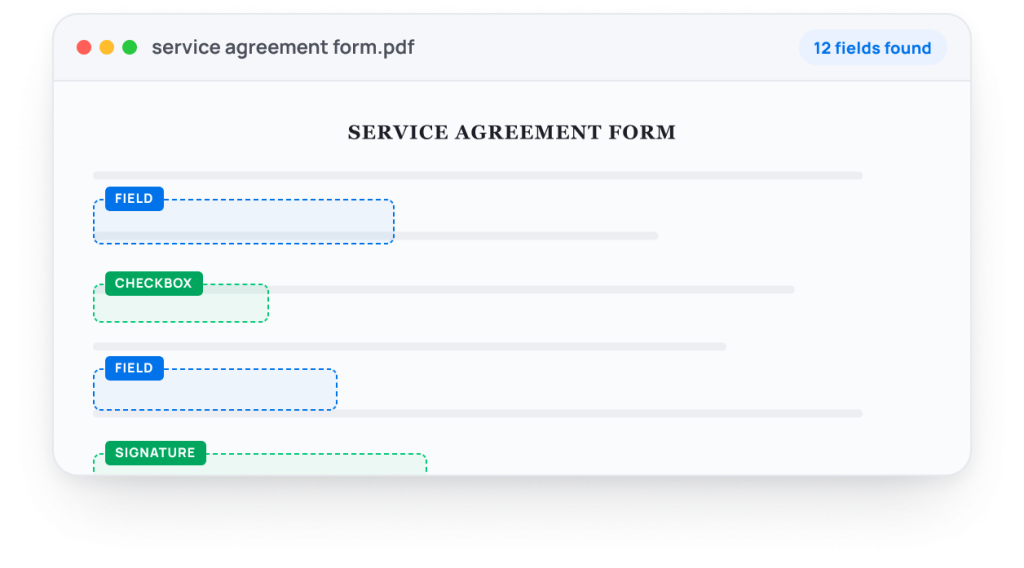
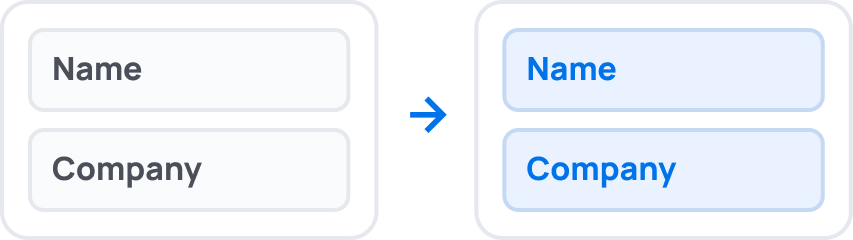
Yes. GetSign automatically detects fields in the Board member commitment form. Upload the PDF once and GetSign automatically identifies fillable fields throughout the document. Text inputs, dropdowns, dates, checkboxes, signatures, and other supported fields are detected without requiring manual setup. Once detected, those fields can be mapped to monday.com data and used with GetSign Form Filler.
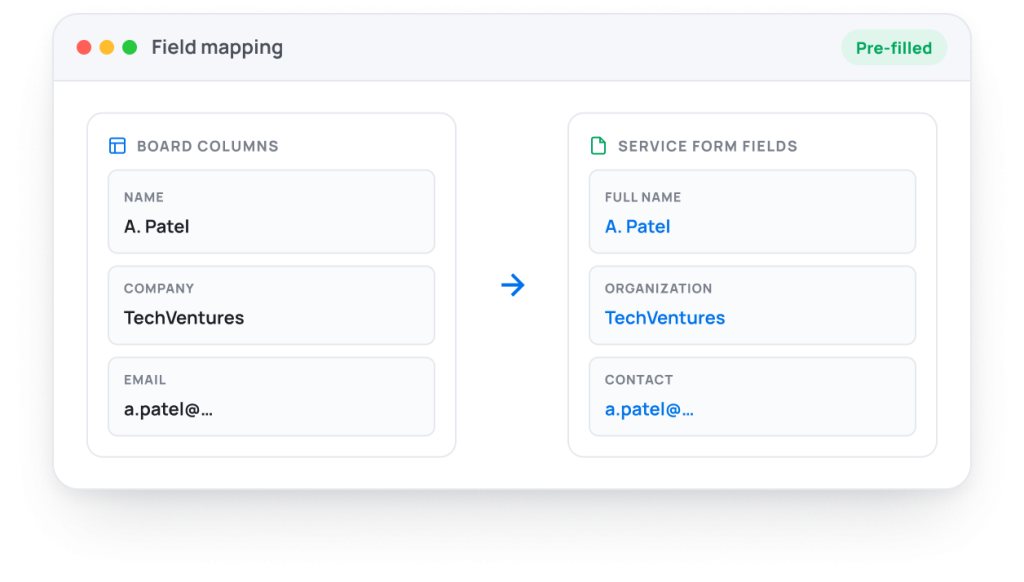
Yes. After GetSign automatically detects the fields in your Board member commitment form, GetSign Form Filler can populate those fields using data already stored in your monday.com board. Information such as names, emails, company details, reference numbers, and other mapped values can be inserted automatically before the form is sent. This reduces repetitive data entry, improves accuracy, and helps teams generate completed forms faster.
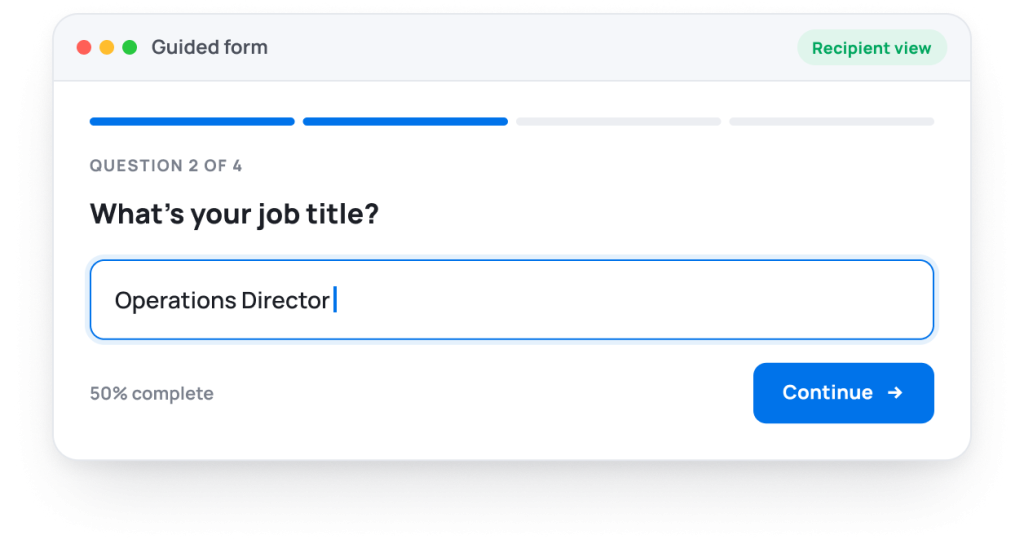
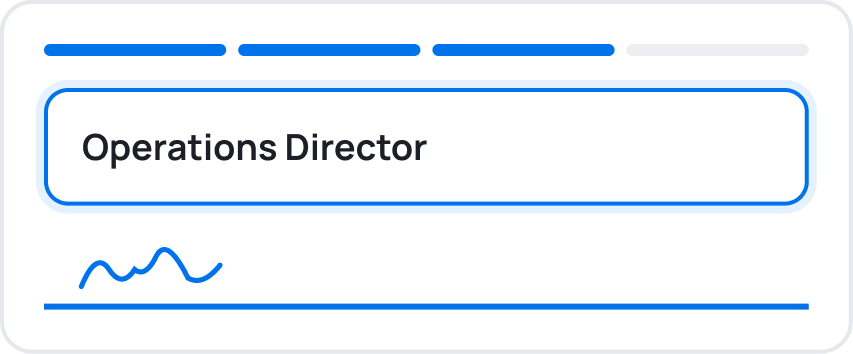
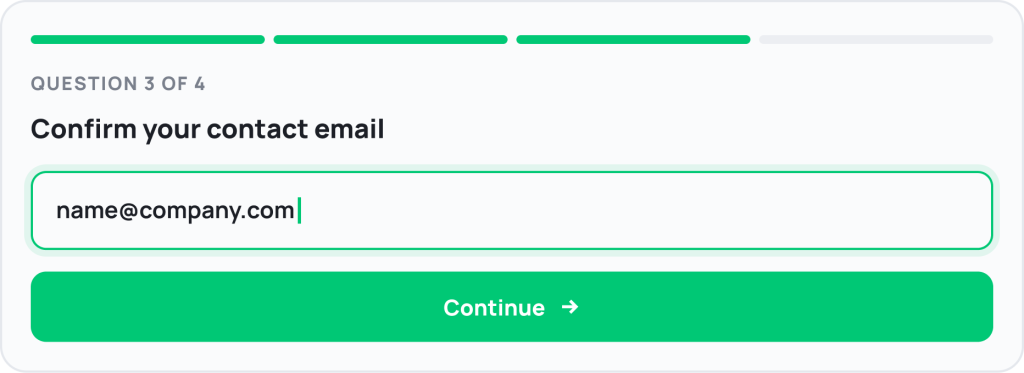
Yes. GetSign allows teams to upload existing PDF Board member commitment form and transform them into interactive digital experiences. Instead of printing, scanning, or editing PDFs manually, recipients can complete the form through a guided online workflow.
No. Donors, volunteers & grant applicants receive a secure link and can complete the form directly in their browser. They do not need access to your monday.com workspace, a monday.com license, or a separate GetSign account.
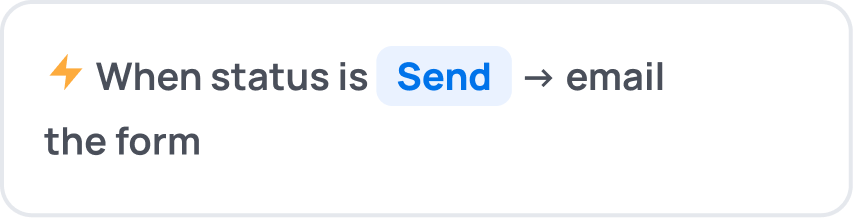
Yes. GetSign supports monday.com automations for Board member commitment form that can generate and send forms based on workflow events. This helps teams eliminate repetitive manual tasks and ensure documents are sent at the right stage of a process.
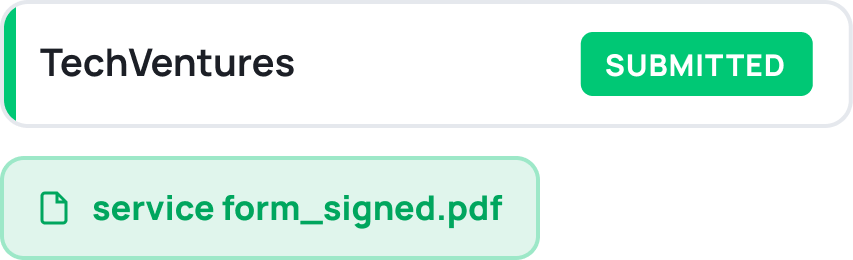
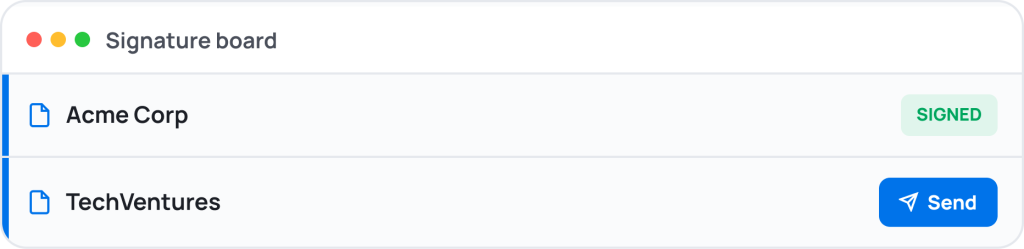
Yes. GetSign provides visibility into the document lifecycle, allowing teams to see when the Board member commitment form has been sent, opened, completed, or signed. This makes it easier to follow up and keep processes moving forward.
Yes. GetSign supports legally binding electronic signatures and maintains an audit trail for completed Board member commitment form. Teams can collect approvals, acknowledgements, and signatures without requiring recipients to print or scan paperwork.