Automate Background check consent form on monday.com

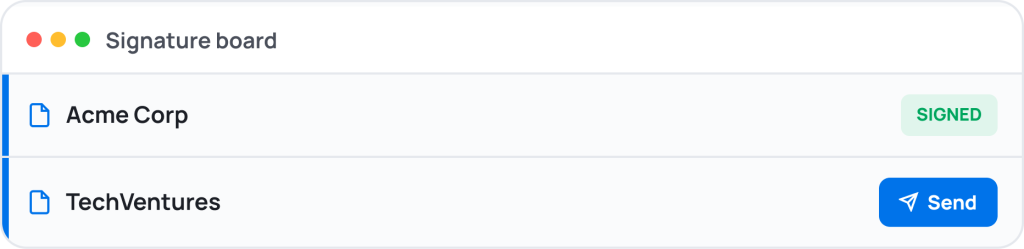
A background check consent form captures candidate name, date of birth, address — required whenever recruiting and hiring needs a complete, signed record on file. GetSign sends, fills, and syncs it from monday.com, with the signed copy attached to your board automatically.

4.8 on monday.com Marketplace · 4,000+ teams

What is the Background check consent form on monday.com?

Most teams handle this over email. They send a PDF, Candidates fills it manually, sends it back, someone re-enters the data into their system, and the file gets buried in a folder. GetSign replaces that entire process inside monday.com.
How It Works

How GetSign handles the Background check consent form.

GetSign is a monday.com-native document app. Upload your Background check consent form PDF once and GetSign auto-detects every field — candidate name, date of birth, address, consent scope, authorised checks, candidate signature, date. No manual field setup.

01

Auto-detect every
field, instantly.

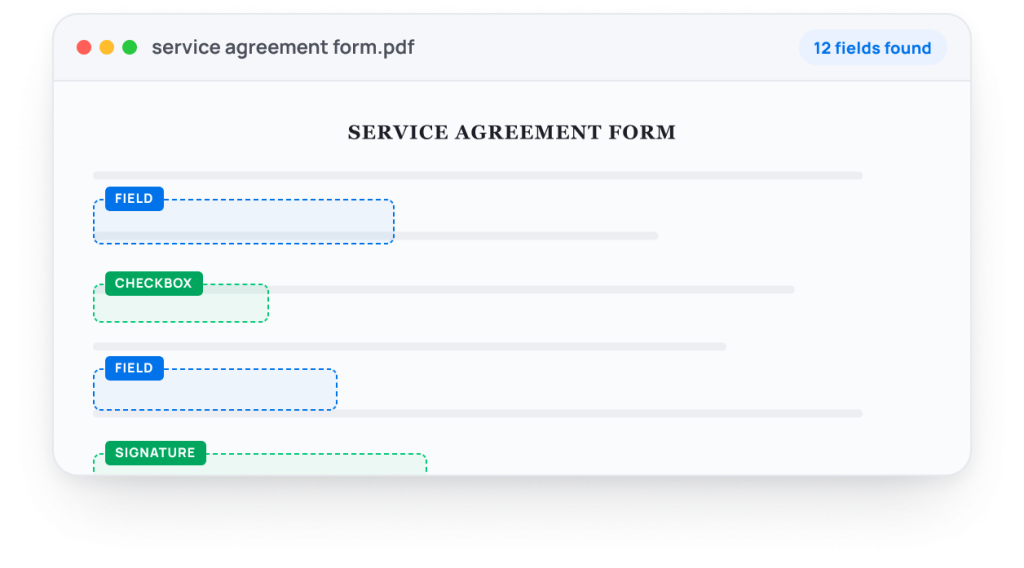
GetSign auto-detects every field in the Background check consent form PDF the moment you upload it. No manual setup, no dragging and dropping — every field, including candidate name, date of birth, address, consent scope, authorised checks, candidate signature, date , is identified instantly.

GetSign Form - Auto detection of fields
02

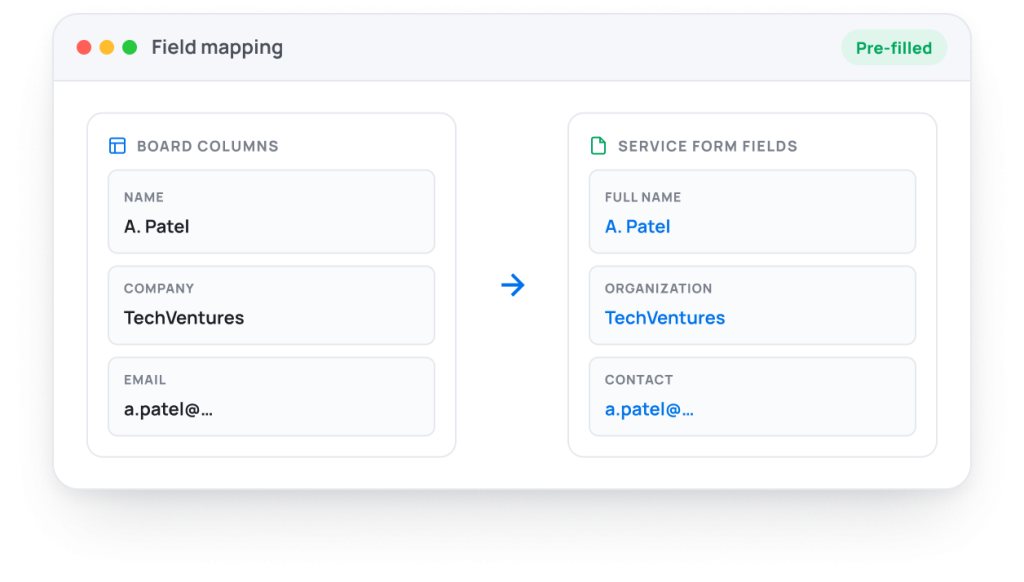
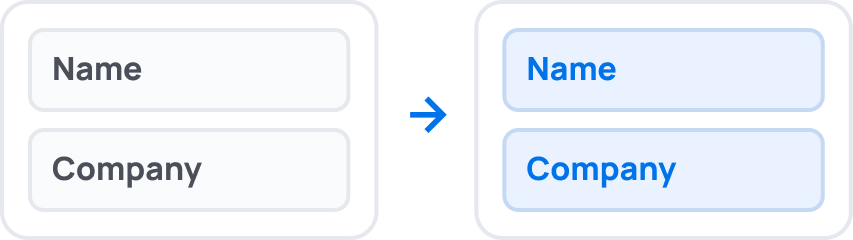
Pre-fill from your board, automatically.

If you already have the recipient’s name, company, or
contact details on your board, GetSign populates those
fields before sending. The recipient only fills what you do
not already know.

03

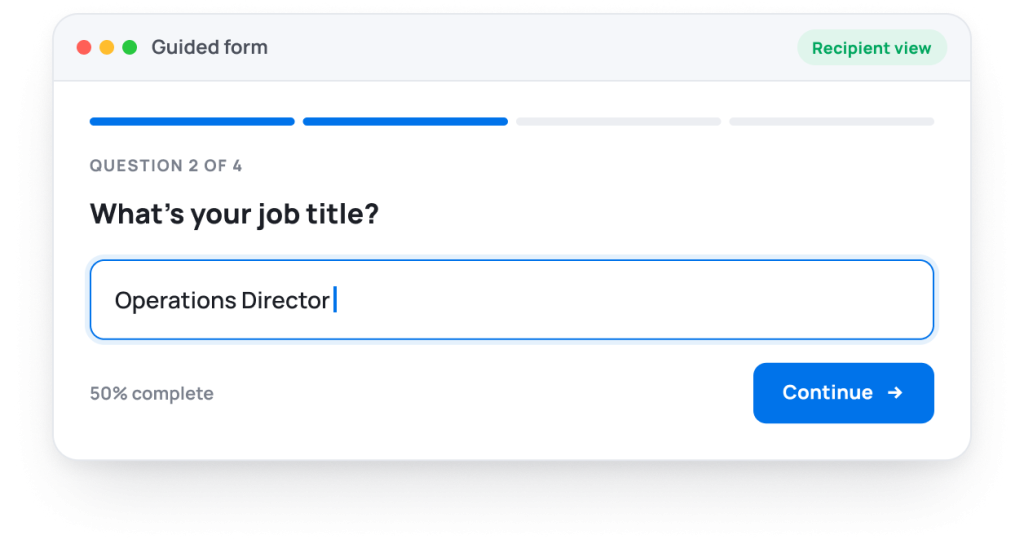
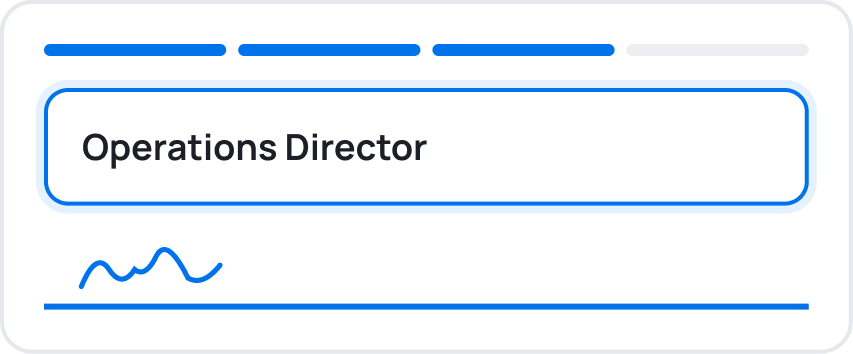
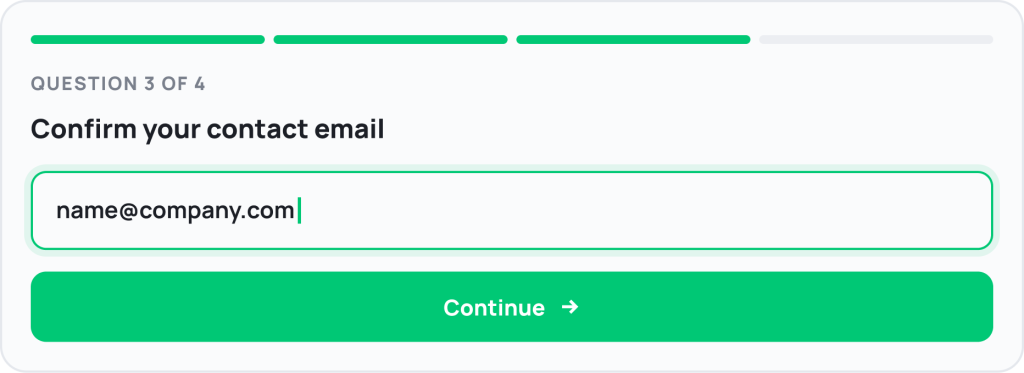
A clean guided interface, not a raw PDF.

Recipients see one field at a time in a simple step-by-step
flow. No scrolling through pages, no missed fields — and
higher completion rates every time.

A clean guided interface, not a raw PDF.
Setup

How to collect the Background check consent form in monday.com.

No API setup. No third-party integrations. Everything happens inside monday.com.

Upload your Background check consent form PDF
Add it once — GetSign auto- detects all fields immediately.
Map board columns to fields

Name, email, company — pre-filled on every send.

Trigger it from your board

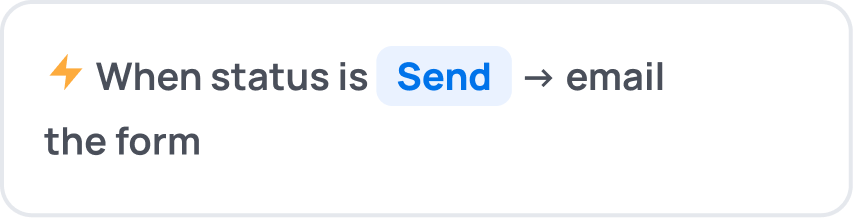
Manually, or via a monday.com automation on status change.

Candidatesfill & sign

In their browser — no account no app to download.

Data syncs back to your board

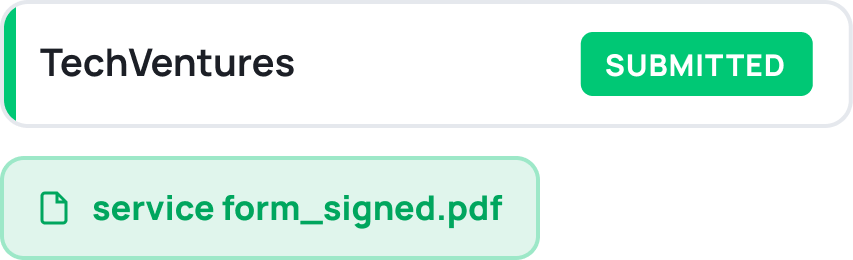
Columns update and the signed PDF attaches immediately.

Who it's for

Who uses GetSign for the Background check consent form ?

HR manager, recruiter use GetSign to send the Background check consent form to Candidates directly from their monday.com board. HR or recruiting teams send the background check consent form to candidates from the recruiting board item in monday.com at the offer stage, collecting signed consent before initiating any screening.

Sends the form

Contractor

Work straight from the board — one click sends
the form, pre-filled with what you already know.

Fills & signs

Employee

Open the link in any browser and complete a clean, guided form —
one question at a time. No login, no app.

Related forms

Related forms on monday.com.

Teams using GetSign for the Background check consent form also automate these forms inside monday.com.

W-9 Tax form

Tax · 3 board columns

NDA (Non-disclosure Agreement)

Legal · 2 board columns

Offer letter form

HR · 5 board columns

Purchase order form

Procurement · 3 board columns

Invoice approval form

Account · 2 board columns

Vendor agreement form

Operations · 5 board columns

FAQ

Frequently asked questions about the Background check consent form on monday.com.

Yes. GetSign automatically detects fields in the Background check consent form. Upload the PDF once and GetSign automatically identifies fillable fields throughout the document. Text inputs, dropdowns, dates, checkboxes, signatures, and other supported fields are detected without requiring manual setup. Once detected, those fields can be mapped to monday.com data and used with GetSign Form Filler.
Yes. After GetSign automatically detects the fields in your Background check consent form, GetSign Form Filler can populate those fields using data already stored in your monday.com board. Information such as names, emails, company details, reference numbers, and other mapped values can be inserted automatically before the form is sent. This reduces repetitive data entry, improves accuracy, and helps teams generate completed forms faster.
Yes. GetSign allows teams to upload existing PDF Background check consent form and transform them into interactive digital experiences. Instead of printing, scanning, or editing PDFs manually, recipients can complete the form through a guided online workflow.
No. Candidates receive a secure link and can complete the form directly in their browser. They do not need access to your monday.com workspace, a monday.com license, or a separate GetSign account.
Yes. GetSign supports monday.com automations for Background check consent form that can generate and send forms based on workflow events. This helps teams eliminate repetitive manual tasks and ensure documents are sent at the right stage of a process.
Yes. GetSign provides visibility into the document lifecycle, allowing teams to see when the Background check consent form has been sent, opened, completed, or signed. This makes it easier to follow up and keep processes moving forward.
Yes. GetSign supports legally binding electronic signatures and maintains an audit trail for completed Background check consent form. Teams can collect approvals, acknowledgements, and signatures without requiring recipients to print or scan paperwork.

Start automating your Background check consent form workflow today on monday.com

14-day free trial · 20 free documents · No credit card · Cancel anytime