
Most customer success teams still send renewal documents manually when handling a downgrade acknowledgement. GetSign automates the entire workflow inside monday.com — generating from your board, routing to CSM and renewal manager, and syncing the signed copy back automatically.

Every manual step is a delay, a version risk, and a follow-up that shouldn’t exist.
Manually copy-paste data from monday.com into Downgrade acknowledgement templates
Email PDFs back and forth, losing track of who signed what
Chase CSM, renewal manager, customer decision maker manually for pending signatures
Signed documents scattered across email, Drive, and local folders
Version unclear · Status unclear
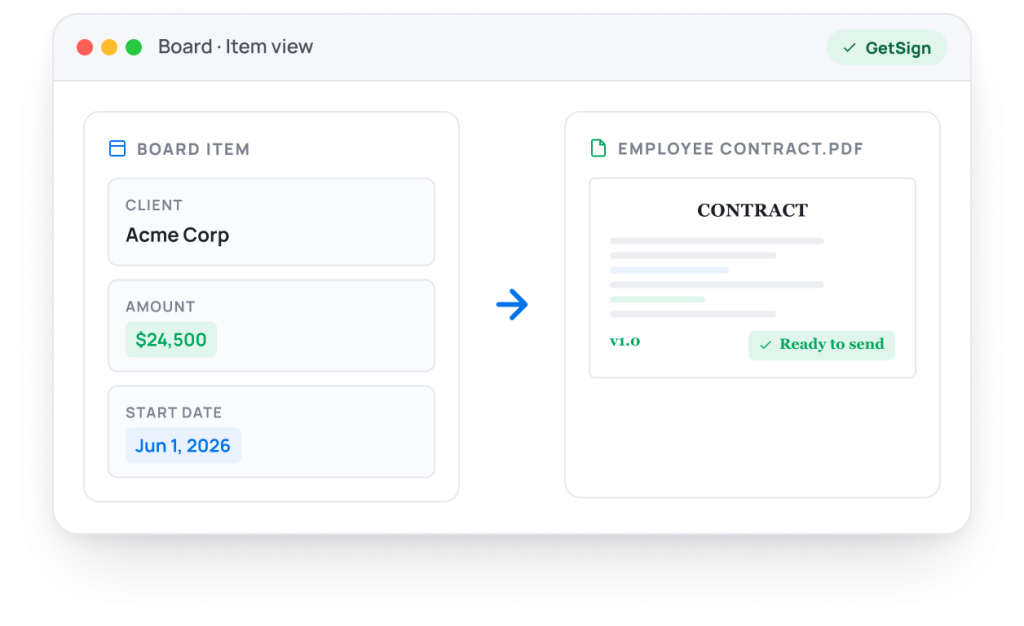
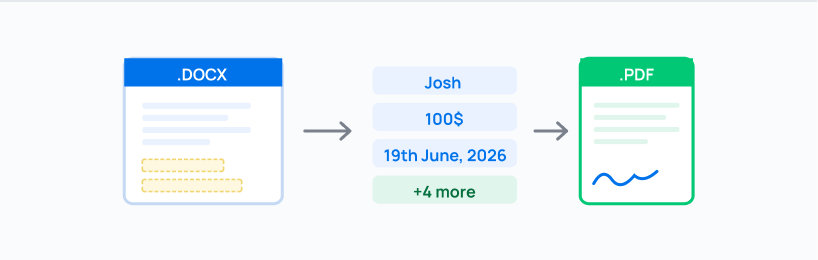
Downgrade acknowledgement auto-generated from account, renewal date, plan, term, price, products in seconds
Sent to CSM, renewal manager, customer decision maker with one click — no switching apps
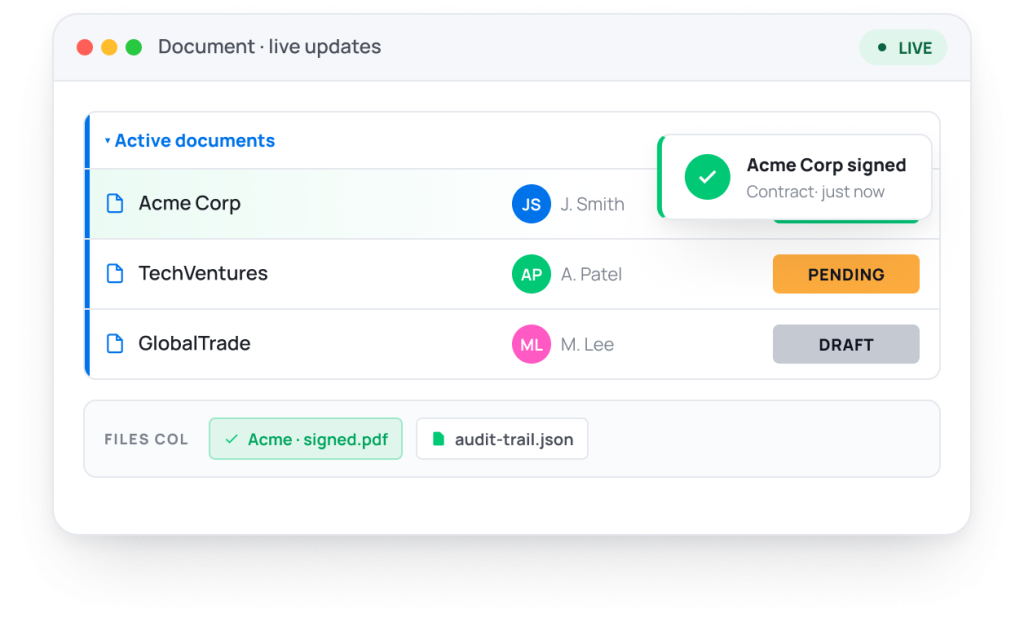
Signature status visible live on your monday.com board item
Signed Downgrade acknowledgements stored automatically in the Files column
On the right board item, automatically
14-day trial · 20 free documents · Cancel anytime
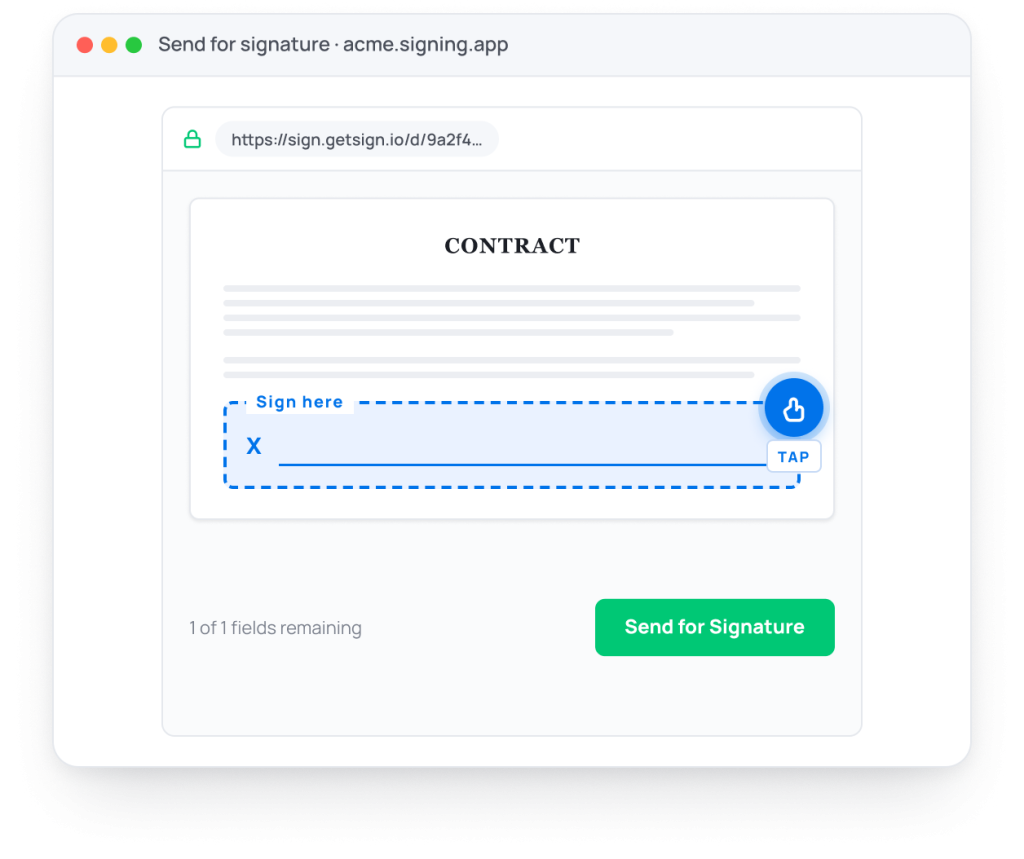
Sign — from any device, in seconds. Signers receive a branded email with a secure one-click signing link. No account needed. No app to install. Sign on mobile, tablet, or desktop. GetSign supports batch signing, multi-party signing orders, and initial approval flows — all legally binding under ESIGN Act, eIDAS, and UETA.
![GetSign signing experience [signed]](https://getsign.io/wp-content/uploads/2026/06/send-for-GetSign-1024x754.png)
United States
European Union
US States
EU privacy
US healthcare
Part 11
Encryption
In transit
Built 100% inside monday.com. Works with your existing boards, automations, and columns – no setup friction.
ESIGN Act, eIDAS, UETA, GDPR, HIPAA compliant. Signers get a secure link — no account needed on their end.
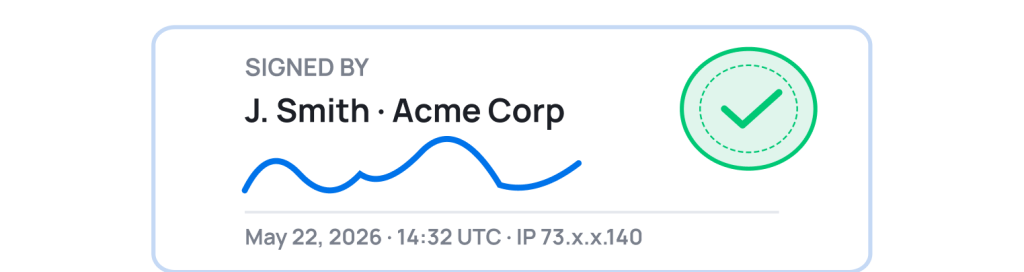
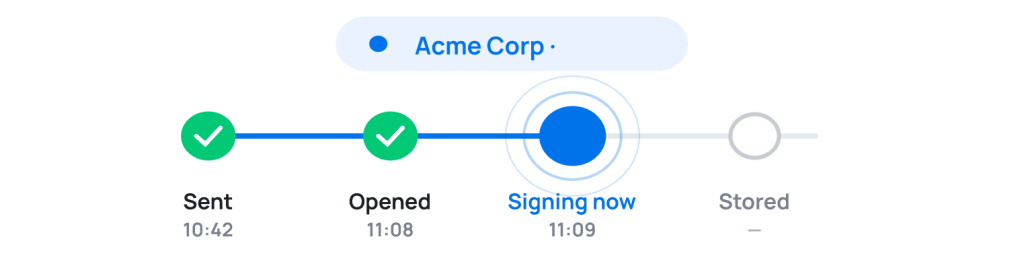
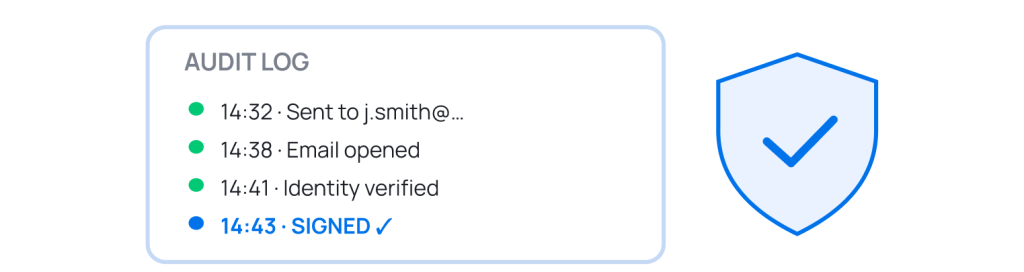
Know who opened, who signed, and who hasn’t — status visible directly on your monday.com board item. Zero chasing.
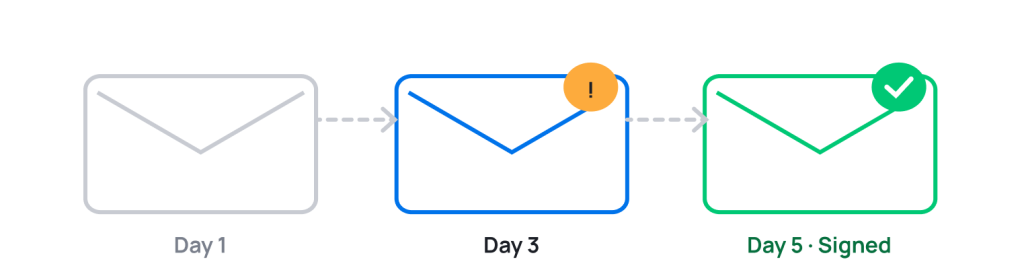
Automatic follow-up emails to pending signers. No manual chasing. Set the interval, GetSign handles the rest.
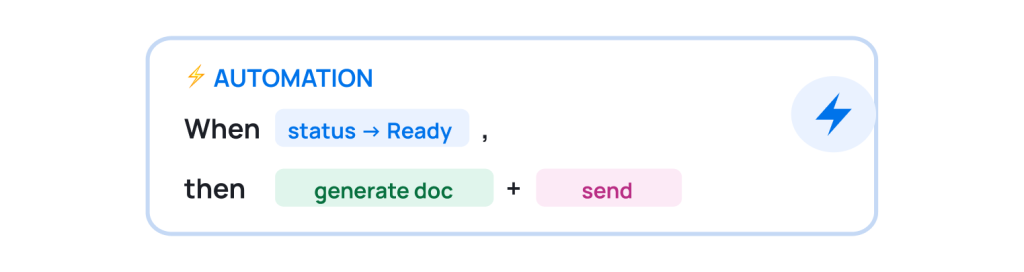
Used by Sales, HR, Finance, Legal, and Operations teams across 50+ countries.
As a Go-to-Market manager for monday CRM, I see many of our CRM clients actively using GetSign — from generating contracts to issuing invoices. It’s incredibly user-friendly and requires no complex setup.
Dana A.
CRM GTM Manager · monday.com
For our municipal clients, GetSign
transformed PDF signing from a slow,
manual hassle into a fast, seamless
experience — signed in seconds,
tracked in real time.
Nir Levenberg
Origamii
As a monday.com partner, I’ve
implemented GetSign for many clients
over three years. It’s consistently
reliable, keeps evolving, and just
works.
Meital P.
CEO · YEP Solutions
Feature
DocuSign / HelloSign
Native monday.com integration
Auto-fill Downgrade acknowledgement from board
Signature status on board item
monday.com automation triggers
Signed document stored on item
Free trial
Pricing model
Setup time
No Zapier. No tab-switching. No extra logins. Never.
Sales · 3 board columns
Non-disclosure agreement (NDA)
Legal · 2 board columns
HR · 5 board columns
Procurement · 4 board columns
Account · 1 board column
Operations · 6 board columns
14-day free trial · 20 free documents · No credit card · Cancel anytime