
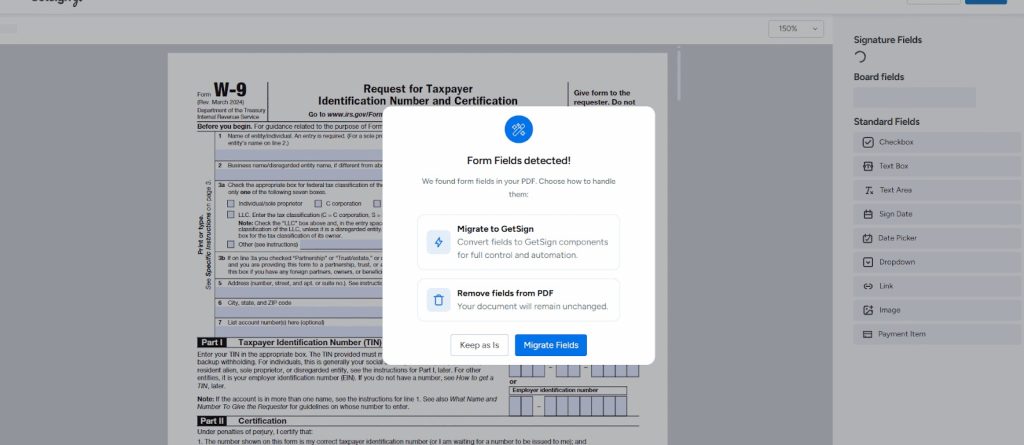
GetSign’s AcroFields feature automatically detects form fields such as text inputs and checkboxes inside uploaded PDF templates. This removes the need to manually drag and drop fields, especially for complex or standardized forms commonly used across industries.
Previously, however, all detected fields were automatically assigned to the person setting up the document. Users then had to manually reassign every field to the appropriate signer—time‑consuming for multi-signer workflows.
How This Feature Improves Your Workflow
- Assign detected form fields to any signer by default, not just the uploader.
- Reduce the time spent manually editing each detected field.
- Make uploaded government forms, vendor forms, HR documents, and compliance templates easier to configure.
- Maintain flexibility by still being able to adjust field assignments individually.
How It Works
When uploading a PDF with AcroFields:
- GetSign detects all supported form fields automatically.
- You now see an option to choose the default assignee for these fields.
- Select any board person column value or enter an email.
- All detected fields are assigned accordingly.
- You can still override and reassign fields individually if needed.
This update makes AcroFields significantly more powerful and reduces setup time for uploaded templates.